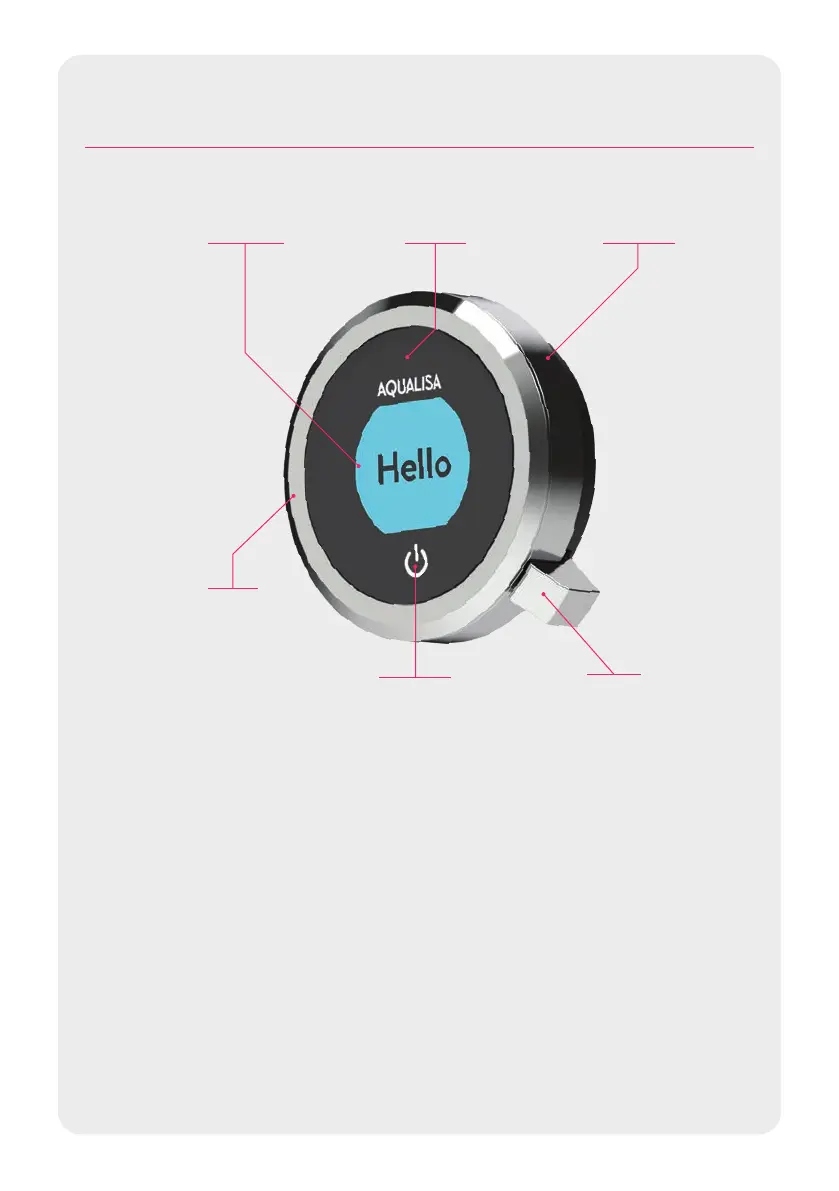
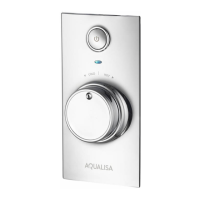
LEVER
MENU ACCESS
CONFIRM A
SELECTION
BEZEL
ROTARY
TEMPERATURE
CONTROL
TOUCH SWITCH
ON/OFF
PROXIMITY
SENSOR
ACCENT
RINGDISPLAY
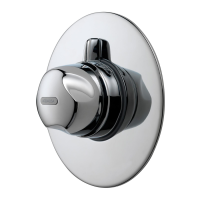
Optic Q™ Controller
GET SMART CONNECTED
Unlock the potential of your shower; from water consumption analysis to
enhanced user functions. Keep up to date with latest features for the Aqualisa app
and voice activation by visiting the Aqualisa website.
Download and open the free Aqualisa app. Find instructions on page 15
“Connecting to the App”. If you have any trouble downloading the Aqualisa app,
check www.aqualisa.co.uk/smartapp for device compatibility.
SMART SPEAKER SET-UP
Once the above has been completed go to the app for your smart speaker and
follow their instructions to add the Aqualisa home to your devices.
3




 To Next Page