If the timer setting is adjusted within the Aqualisa app, then the shower
will run for the newly set duration, overriding the default maximum run
time. N.B. The water flow will stop at the end of the timer.
The Aqualisa app gives you the capability to operate your product
remotely using your mobile device. It is the responsibility of the user
to ensure that it is safe to remotely activate the water flow. Aqualisa
recommend that baths and showers in operation are not left unattended.
Auto Wake up
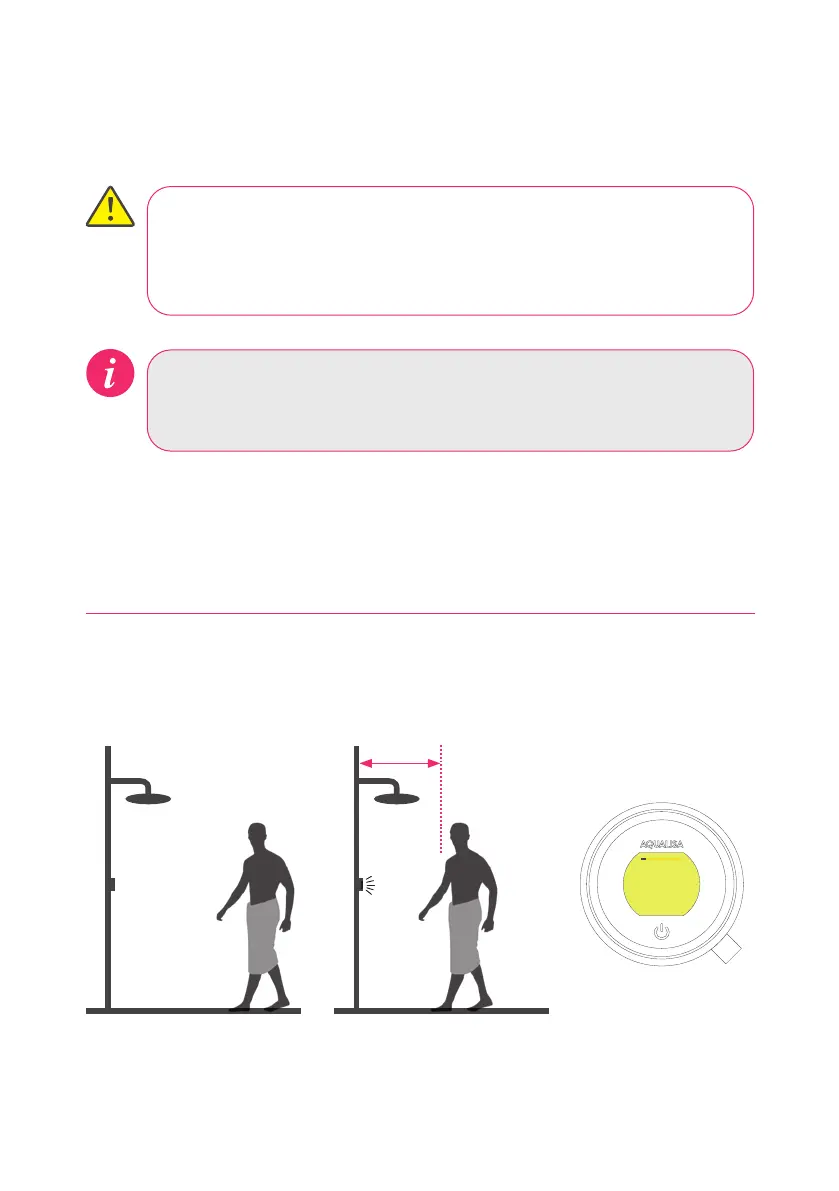
The Proximity Sensor
AUTO WAKE-UP*
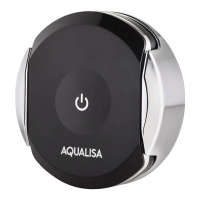
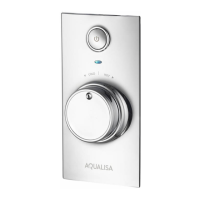
The controller has a proximity sensor, so as you approach, or move your hand
towards the controller, the display wakes up and is ready to go.
0.5 metres
*In some circumstances, in smaller shower enclosures, Auto Wake Up may cause the control to
remain active. If this occurs, you should disable Auto Wake Up in Settings (see page 12).
SMART SPEAKER SET-UP
Once the Aqualisa app is set up and the shower connected, go to the app for your
smart speaker and follow their instructions to add the Aqualisa home to your devices.
17




 To Next Page