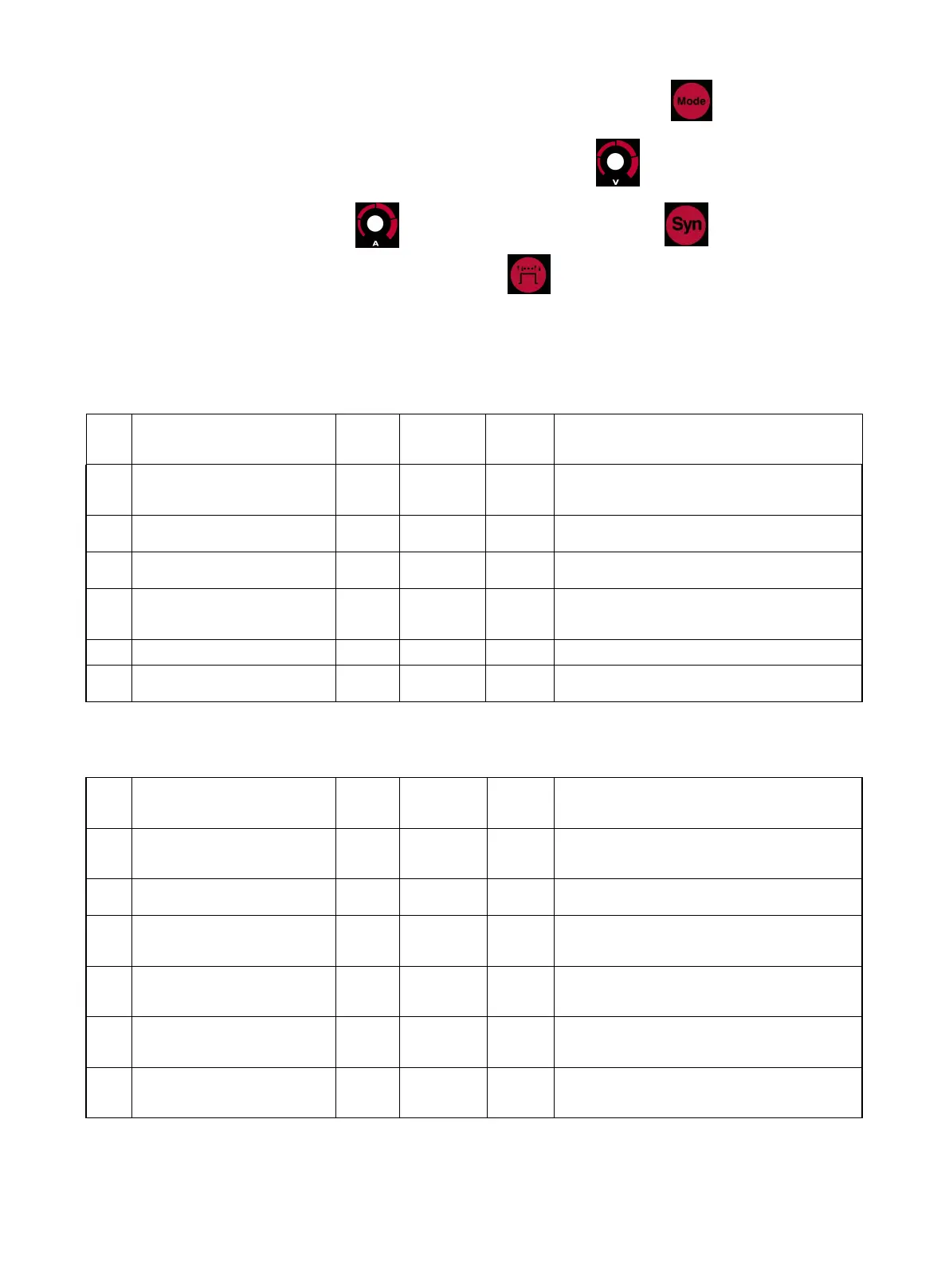
2) Select system parameters of MIG, TIG or MMA by pressing Welding Mode button.
3) Select the parameter to be revised by rotating Welding Voltage knob. Revise the parameter
value by rotating Welding Current knob. After revision, press synergic button to save.
4) After revising parameters, press operation selection button again to exit the setting of system
parameters to be in normal standby.
Below is system parameter:
MIG mode
Background parameters
initialization
Restore factory default
(Select “1” to restore factory default)
Given output voltage of removing metal
ball after releasing torch trigger at MIG
MMA mode
Background parameters
initialization
Restore factory default
(Select “1” to restore factory default)
VRD switch at MMA
( “0”: VRD is off, “1”:VRD is on)
Given current value when output voltage
is below 14V at MMA
Arc ignition current at MMA
Given current value of arc ignition at
MMA
Duration for given current value of arc
ignition at MMA
TIG mode



 To Next Page