37
Setting Display Language
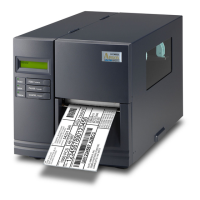
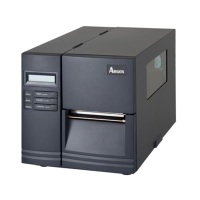
The printer’s LCD display supports six languages: English, French,
German, Italian, Spanish, and Portuguese.
To select a language:
1. Press the PAUSE and CANCEL buttons at the same time.
2. Hold both buttons for about 3 seconds and release.
3. The language selection screen appears.
4. Press the FEED button for the next language.
5. Press the CANCEL button to select and set the language.
Press PAUSE or the PAUSE+CANCEL buttons to exit the language
selection screen and enter normal standard mode.



 To Next Page