89
Rotary Cutter and Guillotine Cutter Installation
Refer to the following steps to install the cutter kit onto printers:
1. Turn off the printer.
2. Remove the top covers on both left and right sides.
3. Install the Cutter Baby Board to the main board JP17 connector
of X-1000VL, X-2000V, X-2000V Zip / JP15 connector of X-2300,
X-2300Z, X-2300E, X-2300ZE, X-3200, X-3200Z, X-3200E,
X-3200ZE.
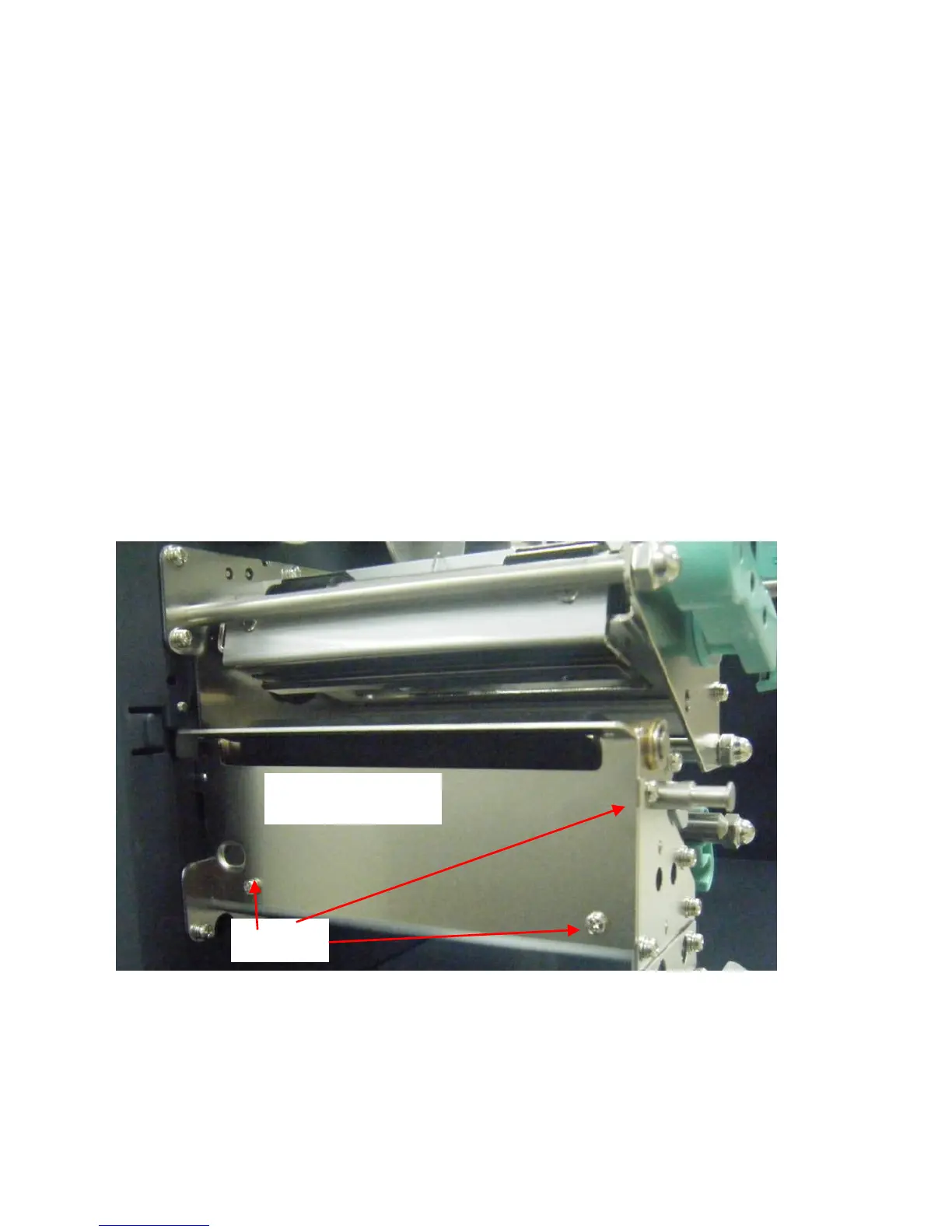
4. Loose the three screws from Tear-off Bracket and then remove
Tear Bracket.



 To Next Page