Avon Protection 35 DAS775571AA Version 9, December 2015
GR 13313 CR121804
6 CONFIGURATION SOFTWARE
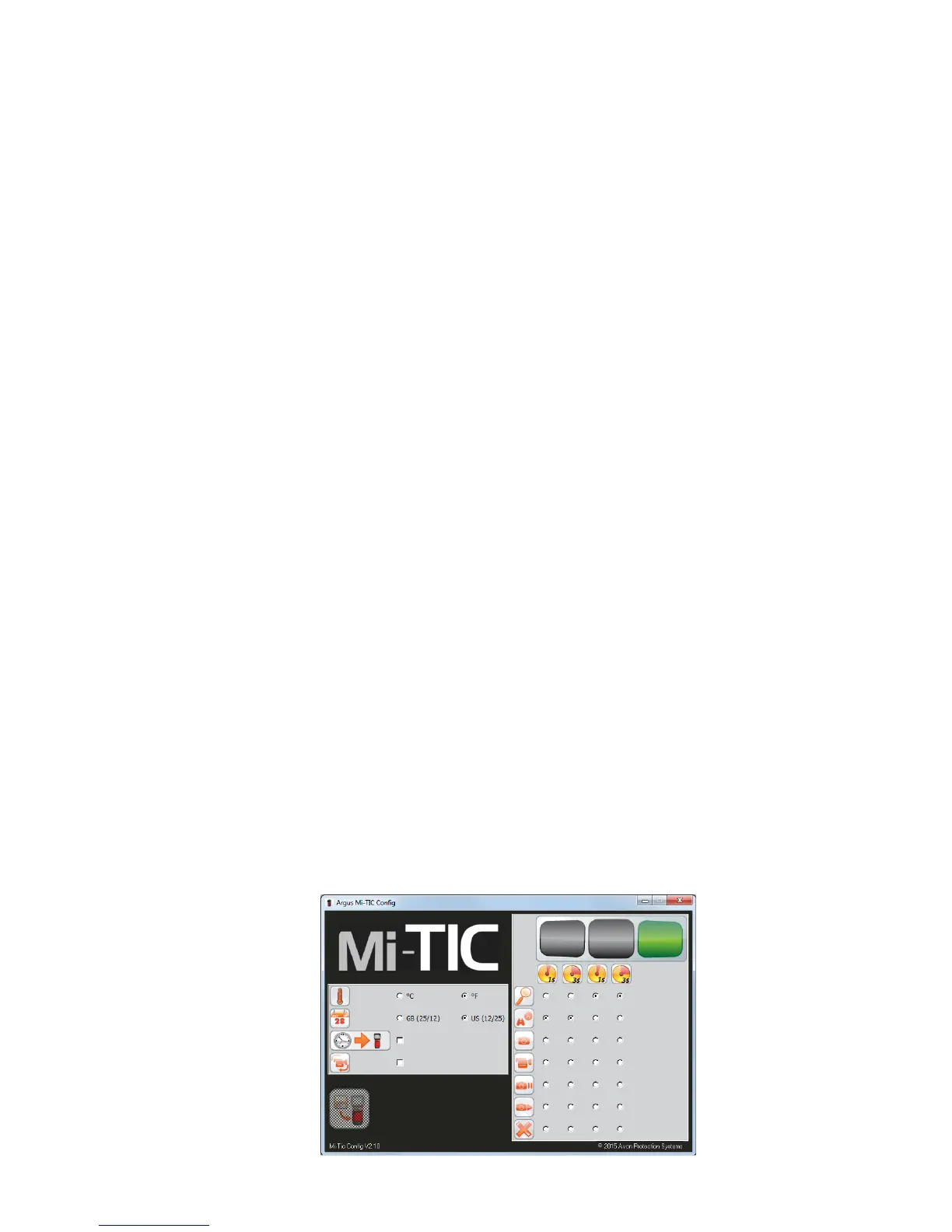
The Argus
®
Mi-TIC Configuration Tool is supplied on the camera’s embedded storage.
The Configuration Tool runs on a PC with Windows XP / Vista / Win7 / Win 8. This allows the
user to perform the following tasks:
• Set the temperature units to either °C or °F.
• Set the time and date format and synchronise the time and date with the PC
• Enable “black box” video recording
• Enable electronic compass
• Enable Heat Seeker and Cold Seeker
• Customise the operation of the camera’s function buttons to control:
• Zoom
• Fire, Overhaul, Size Up, Inspection, White Hot, Missing Persons or Black Hot
(-C variant only) Application Modes
• Image Freeze
• Image Capture
• Video Record
• Image Playback
• Video Playback
• Laser Pointer*
6.1 Running the Configuration Tool
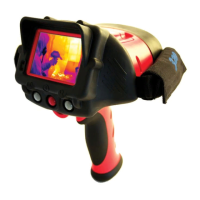
To run the software, connect the argus
®
Mi-TIC to your computer using the argus
®
Mi-TIC
Charger Station and the supplied USB cable. The camera is recognised as a removable
disk. Navigate to the removable disk and open it.
Note: If the camera is not recognised as a removable disk, check that the camera is
connected to the PC and correctly docked in the charger station and switch the camera
off and back on again.
Run ‘Mi-TicConfig.exe’. The camera type is automatically recognised.


 To Next Page