10 Quick Start Guide: CloudVision Appliance
iDRAC Chapter 3: Accessing CloudVision Appliance
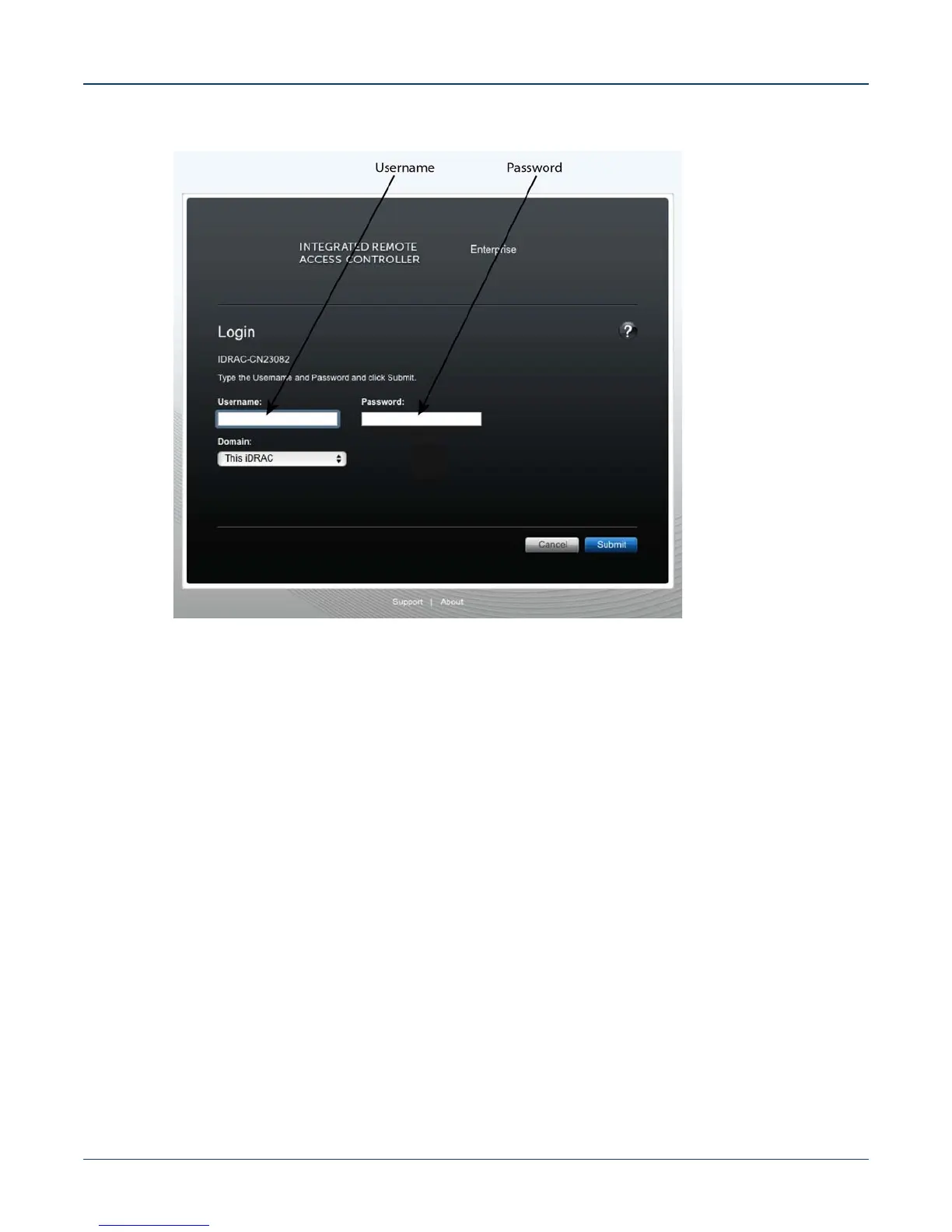
Figure 3-1: Login page
3.1.2 Updating the Host Password
You can directly update or change a password using the following method.
Step 1 Enter your login credentials.
Default Username: root
Default Password: arista
Step 2 Running passwd with no options will change the password of the account running the
command. You will first be prompted to enter the account's current password:
[root@cv ~]# passwd
Step 3 You will be asked to enter a new password.
Step 4 Enter the same password again, to verify it.
Step 5 If the passwords match, the password will be changed.
passwd: all authentication tokens updated successfully.
[root@cv ~]#



 To Next Page