Chapter 2: Preparation CloudVision Physical Appliance Setup
Quick Start Guide: CloudVision Appliance 5
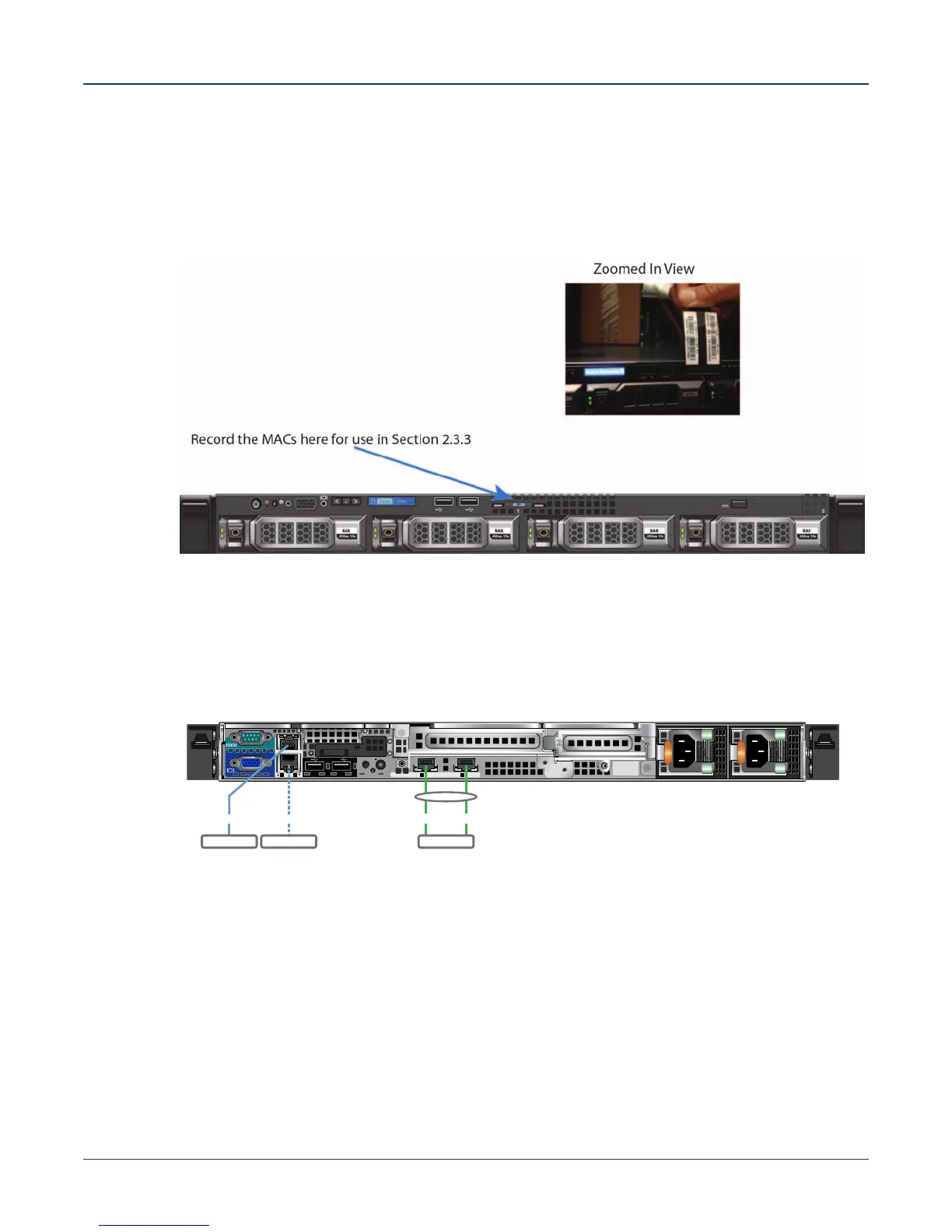
2.3.2 Locate the MAC Addresses for the CloudVision Appliance
The information tag is a slide-out label which contains system information such as Service Tag, NIC,
MAC address for your reference. Record the MAC addresses in the CloudVision Worksheet (see
Appendix H).
Figure 2-2: MAC address location
2.3.3 Back Panel Ethernet Connections
On the back panel of the CloudVision appliance, locate the Ethernet Integrated 10/100/1000 Mbps NIC
connectors.
Figure 2-3: Back Panel
iDRAC
12 34
+
SS
Subnet 1
TOR 1
Subnet 2
TOR 2
LACP
NIC4NIC3NIC2NIC1
MLAG TOR
(Optional)
VLAN ‘y’Access ports in VLAN ‘x’



 To Next Page