Chapter 3: Accessing CloudVision Appliance Web Access into Host via Kimchi
Quick Start Guide: CloudVision Appliance 13
3.2 Web Access into Host via Kimchi
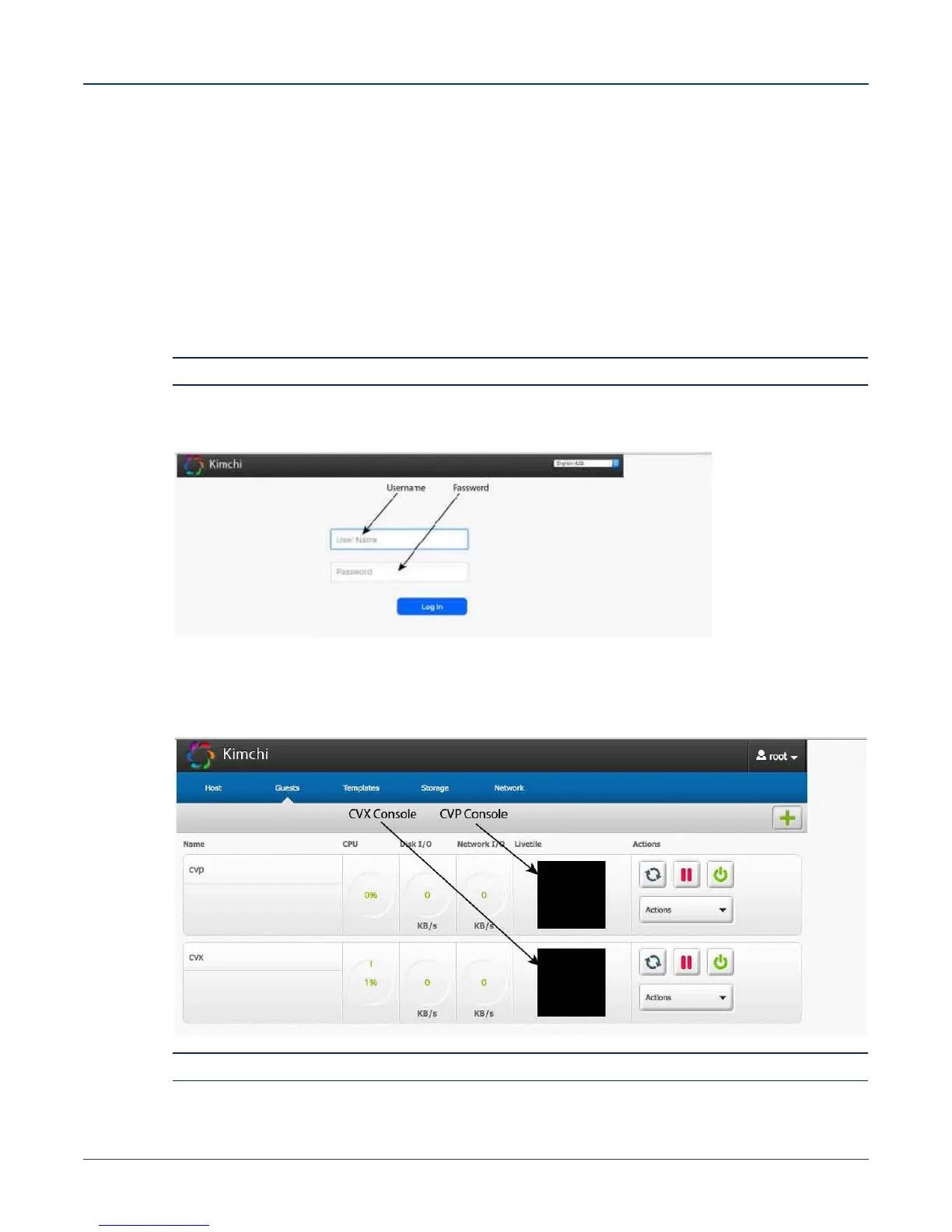
On the management station, open your Web browser and connect to URL: https://<host>:8001. Login
through the Kimchi Login Page (Figure 3-6).
iDRAC is supported on the following browsers:
• Mozilla Firefox
• Google Chrome
Default username and password:
• username: root
• password: arista
Note Both the username and password are case sensitive.
Figure 3-6: Kimchi Login page
3.3 Web Access into CVX and CVP Consoles via Kimchi
Figure 3-7: Access the CVX and CVP consoles
Note If your web browser's popup blocker is turned on, it may prevent you from being able to view the page.



 To Next Page