12 Quick Start Guide: CloudVision Appliance
iDRAC Chapter 3: Accessing CloudVision Appliance
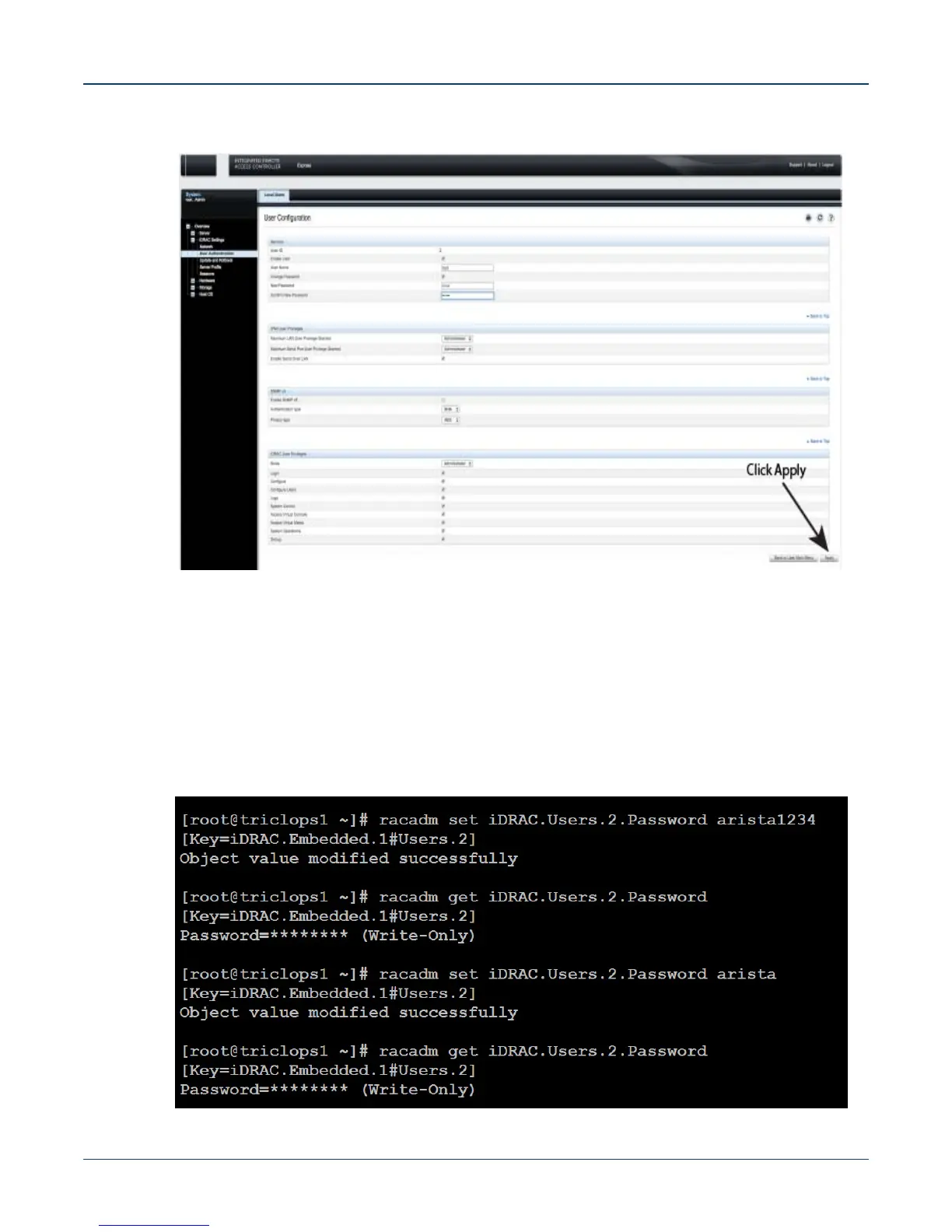
Figure 3-4: Apply the password change
Step 7 Logout, and then login through the iDRAC GUI to verify the change.
3.1.3.2 Changing the Password through the CLI
Resetting the iDRAC password can be done using the command line tool, racadm.
Step 1 Telnet or SSH into the Host IP.
Step 2 Execute the following commands to change the iDRAC password (Figure 3-5).
Figure 3-5: Changing the password through the CLI



 To Next Page