16 Quick Start Guide: CloudVision Appliance
Setting Up CVP Chapter 4: Setting Up CV Applications
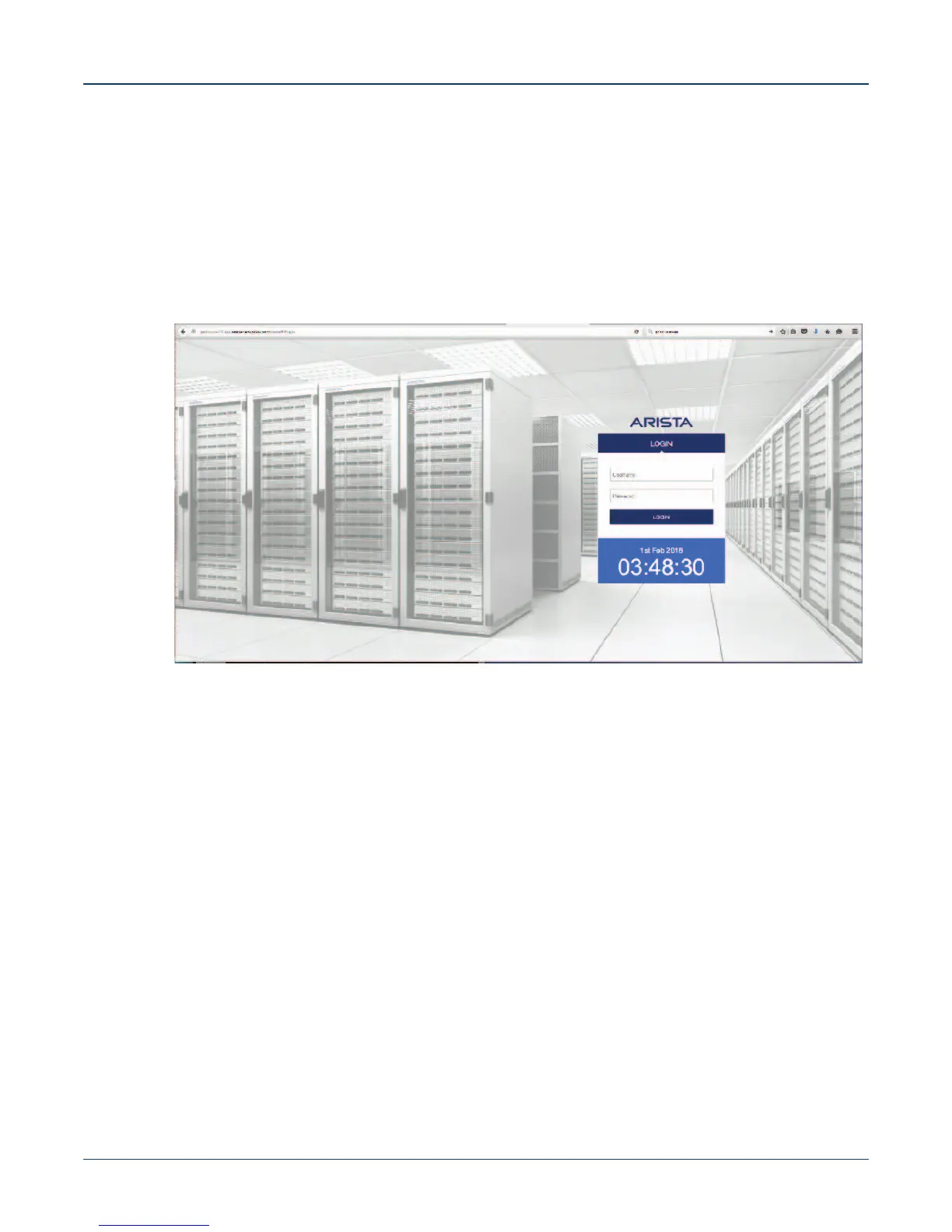
4.1.3 Log into the CVP Web Interface
After CVP is running on the multi-node appliance cluster, enter the CVP Web Interface of the primary
node via its CVP IP/Hostname with default username/password of cvpadmin/cvpadmin to set the
password.
For Multi-node clusters, setting the password only has to be done on one node, and will be synced to
other nodes so subsequently any node can be accessed via its web interface. Refer to the CloudVision
Configuration Guide for instructions on using CVP.
Figure 4-1: CloudVision Portal login page



 To Next Page