28
Connecting to battery power
(only for MicroBox-7824B-E01)
Use battery power when you’re away from a power AC outlet. Follow steps below
to connect to the battery. The additional battery are optional and can be purchased
separately through Arista Corporation.
•
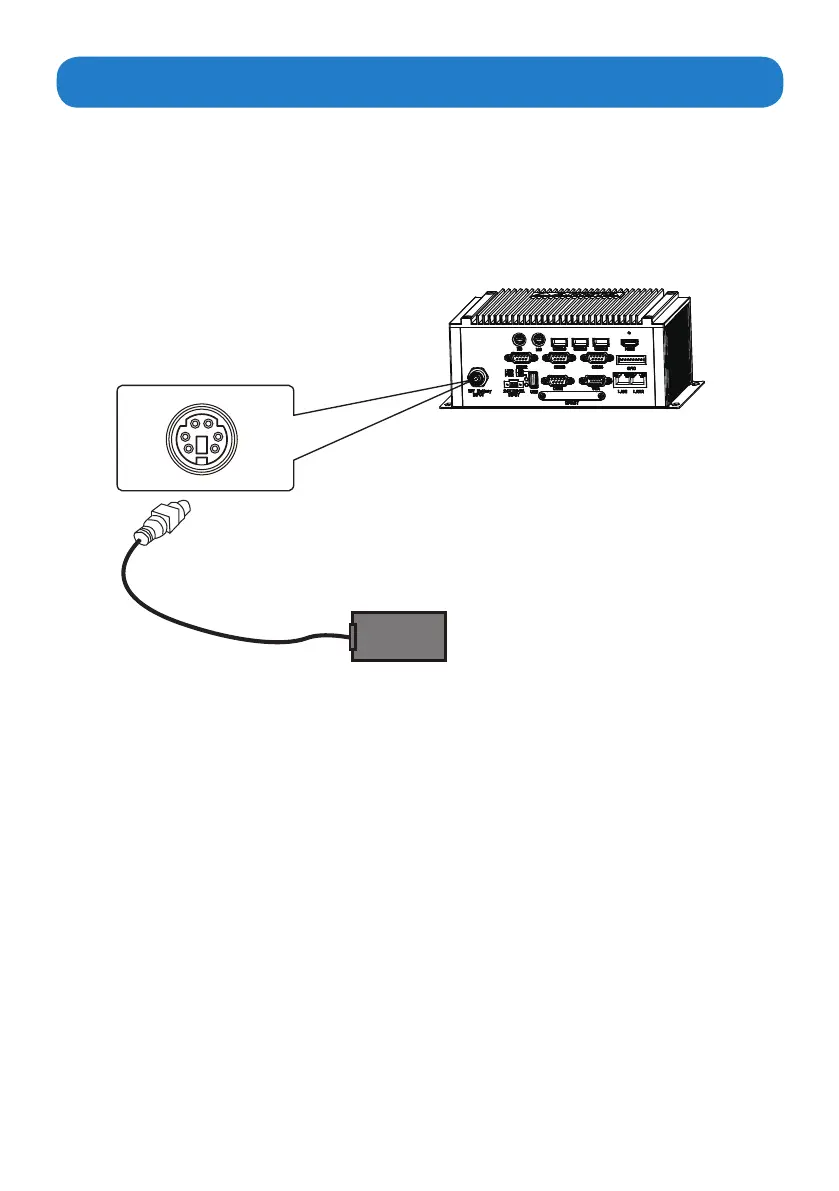
Connect one end of the battery cable to the Battery power input connector of the MicroBox-
7824B-E01 fanless industrial microbox computer. Connect the other end of battery cable to a
battery(12V).Connect Power and Cable: Connect one end of the AC/DC power supply to the
MicroBox-7824B-E01
Battery(not supplied)
Battery power input connector


 To Next Page