48
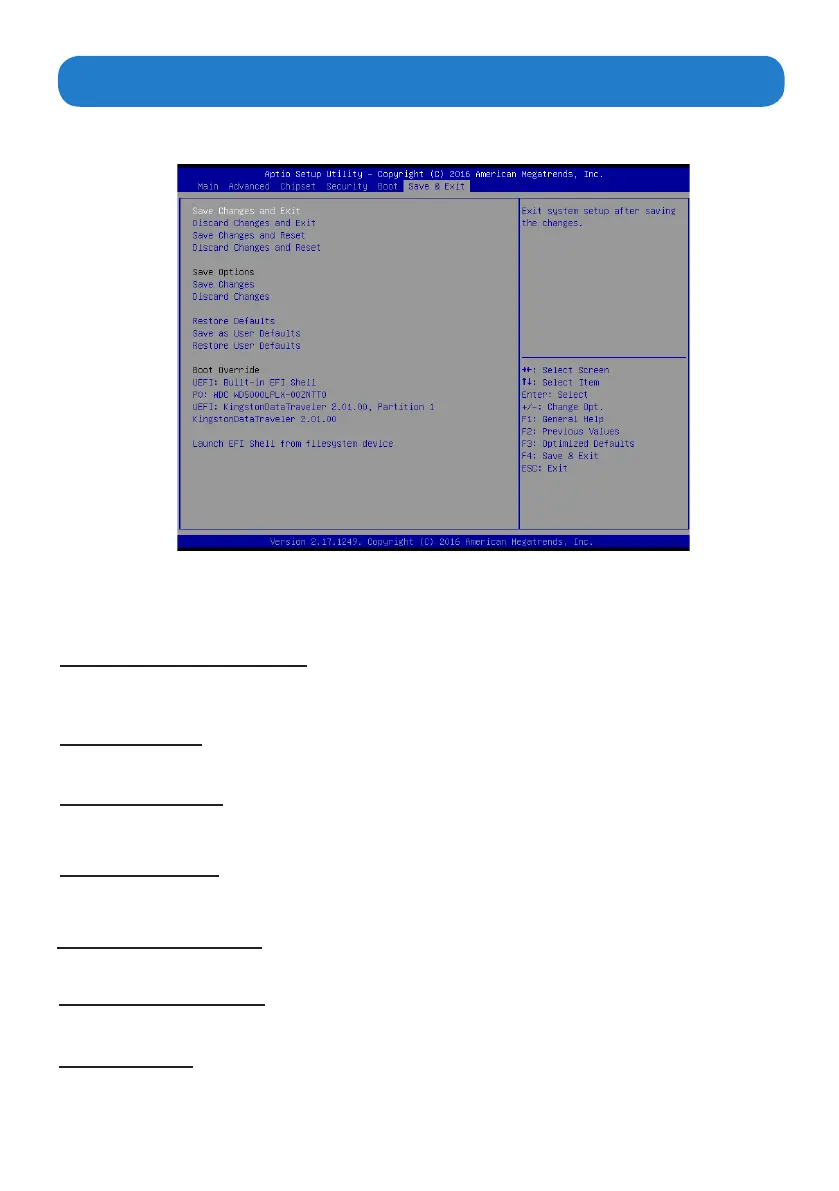
The Save & Exit Menu save and exit the setup utility.
Save & Exit Menu
Save Changes and Exit
The following message, “Save conguration changes and exit setup?” Select [OK] to save changes and
exit the UEFI SETUP UTILITY.
Discard Changes and Exit
The following message, “Discard changes and exit setup?” Select [OK] to exit the UEFI SETUP UTILITY
without saving any changes.
Save Changes
Use this item to save changes made to the BIOS options and reset the system.
Discard Changes
Use this item to exit the system without saving changes made to the BIOS conguration setup program.
Restore Defaults
This option restores all BIOS settings to the factory default. This option is useful if the controller exhibits
unpredictable behavior due to an incorrect or inappropriate BIOS setting.
Boot Override
This option lists all booting options; users may choose one of the options and press <Enter>, then
you may boot according to the option.
Save as user defaults
Restore User defaults
Use this item to save settings as user defaults.
Use this item to restore user defaults.



 To Next Page