14. PC Connection
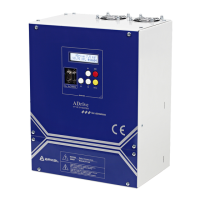
It is possible to connect ADrive Inverter to a PC over the RS-232 serial communication port with
a proper cable. It is a standard RS-232 PC connection cable. Any standard RS-232 cable
can be used instead of the original cable supplied with ADrive. A USB to RS-232 9-pin
adapter is required for Laptop connection via USB port. ADrive PC connection is shown
below:
14.1. ADrive-Win Simulator & Monitor Software
ADrive-Win simulator/monitor software is used with ADrive for travel curve simulation,
monitoring data and transferring parameters.
Detail information is given in the ADrive-Win User Manual.
14.2. Firmware Upgrading
It is possible to upgrade ADrive’s firmware via ARKEL Firmware Updater software. By this
way new features/facilities can be added to the product.
ARKEL Firmware Updater is an utility software which connects your computer and the
device, enabling you to load the firmware file to your device.
The device firmware file is not a part of this software. The latest firmware file which is
compatible with device can be downloaded from our web site. Before downloading
firmware you must learn your device firmware version. The firmware version is displayed on
device screen while starting up. If your device firmware is already the latest version, it is not
necessary to perform this update. Firmware updates can only be applied to devices with
firmware versions later than V8.00.


 To Next Page