
 Need help?
Do you have a question about the Arris CHP Max5000 and is the answer not in the manual?
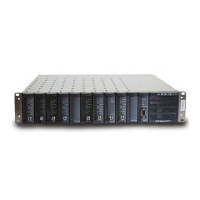
Describes the CHP Max5000 chassis, including its mounting, modules, fans, and cooling mechanisms.
Provides step-by-step instructions for installing the CHP chassis into a standard EIA 19-inch rack.
Describes the CHP Max AC power supply, its models, features, and power output capabilities.
Provides instructions for installing and removing the AC Power Supply module, including hot-swapping.
Covers procedures for updating the AC power supply module's microcontroller firmware using Craft Management Software.
Describes the CHP Max DC power supply, its models, features, and power output capabilities.
Provides instructions for installing and removing the DC Power Supply module, including connections.
Covers procedures for updating the DC power supply module's firmware using Craft Management Software.
Provides instructions for installing and replacing CMM or SMM modules in the chassis.
Covers configuration steps, network cabling, IP addressing, and password reset procedures.
Details procedures for updating the microcontroller firmware for CMM and SMM modules.
Covers SMM-2 installation, network information, and connection methods (TELNET, USB).
 General
| Product Type | Multi-service Platform |
|---|---|
| Input Impedance | 75 ohms |
| Forward Path Bandwidth | 54-1002 MHz |
| Management | SNMP |
| Frequency Range Downstream | 54-1002 MHz |
| Modulation Downstream | QAM |
| Modulation Upstream | QAM |
| Operating Temperature | 0°C to 50°C |
| Dimensions | 19" |

 To Next Page
