Configuring the User Settings
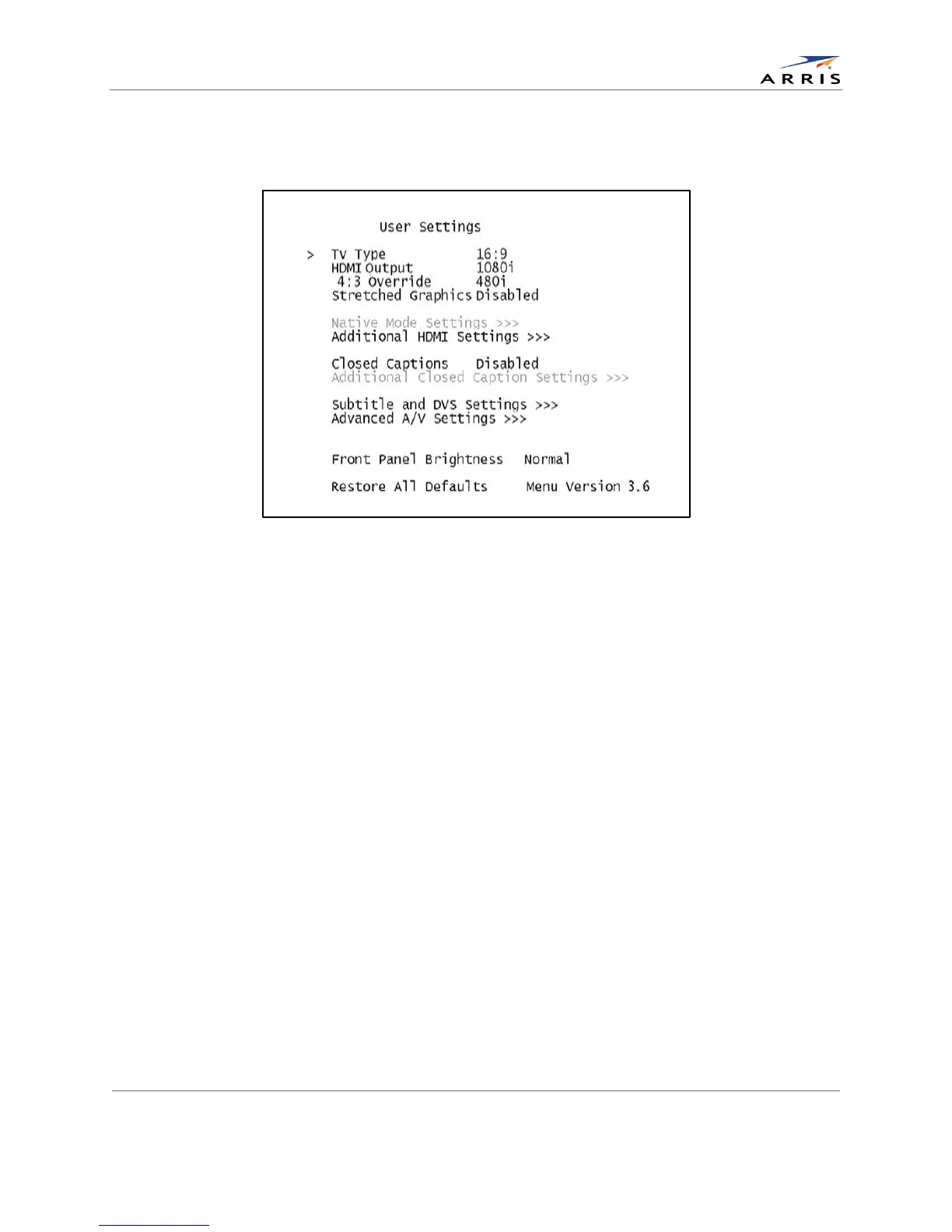
If the DCX525 is connected via HDMI to a display device such as a television, the default User
Settings menu is updated to reflect this information as shown in the following example.
Figure 8: Default User Settings Menu When an HDMI Connection is in Place
All-Digital, High-Definition Set-top DCX525 • User Guide 15
© ARRIS Enterprises, Inc. 2015 All rights reserved. 365-095-25821 x.2



 To Next Page