Configuring the User Settings
Setting Description
navigate to this option and press the ► key.
Subtitle and DVS Settings Screen
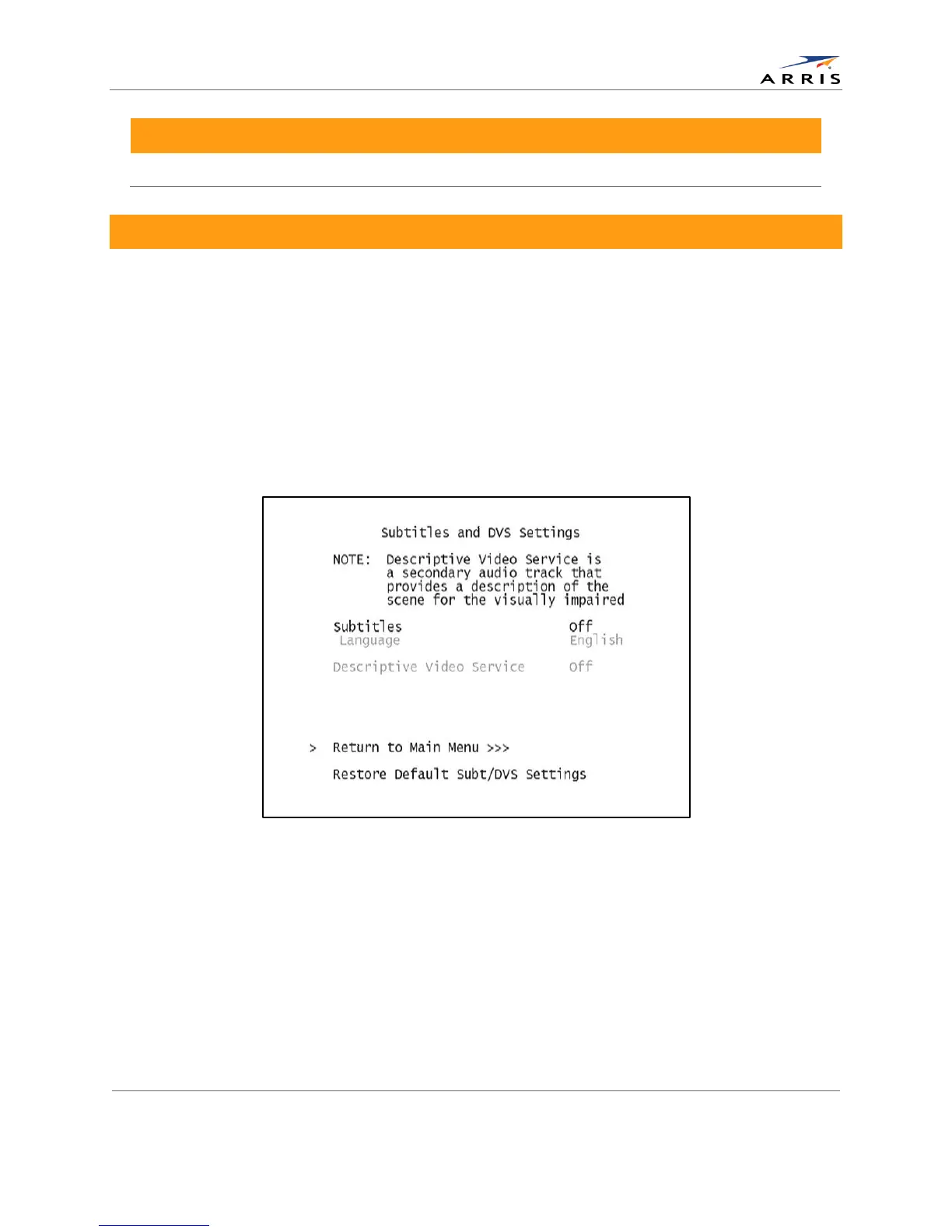
The Subtitle and DVS Settings menu is used to customize the language and appearance of
subtitles and to turn the descriptive video service feature on and off on the DCX525. Subtitles
allow a viewer to watch television programs and movies which contain dialogue that is not in the
viewer’s native language. Subtitles are not included within many television programs (unlike
closed captions).
A descriptive video service (DVS) is a special secondary audio track which is included within
many television programs and is intended to assist the visually impaired. The DVS audio track
provides a verbal description of each scene along with the program’s normal dialogue.
The Subtitle and DVS Settings menu screen is illustrated and defined below.
Figure 13: Subtitle and DVS Settings Menu Screen
All-Digital, High-Definition Set-top DCX525 • User Guide 27
© ARRIS Enterprises, Inc. 2015 All rights reserved. 365-095-25821 x.2



 To Next Page