Configuring the User Settings
Setting Description
HDMI Settings
Restores all of the settings on this screen (HDMI/DVI Mode, Color Space, Audio Output,
and Lip Sync) to their default values.
Use this option if you lose audio and/or video after changing these settings from their
default values.
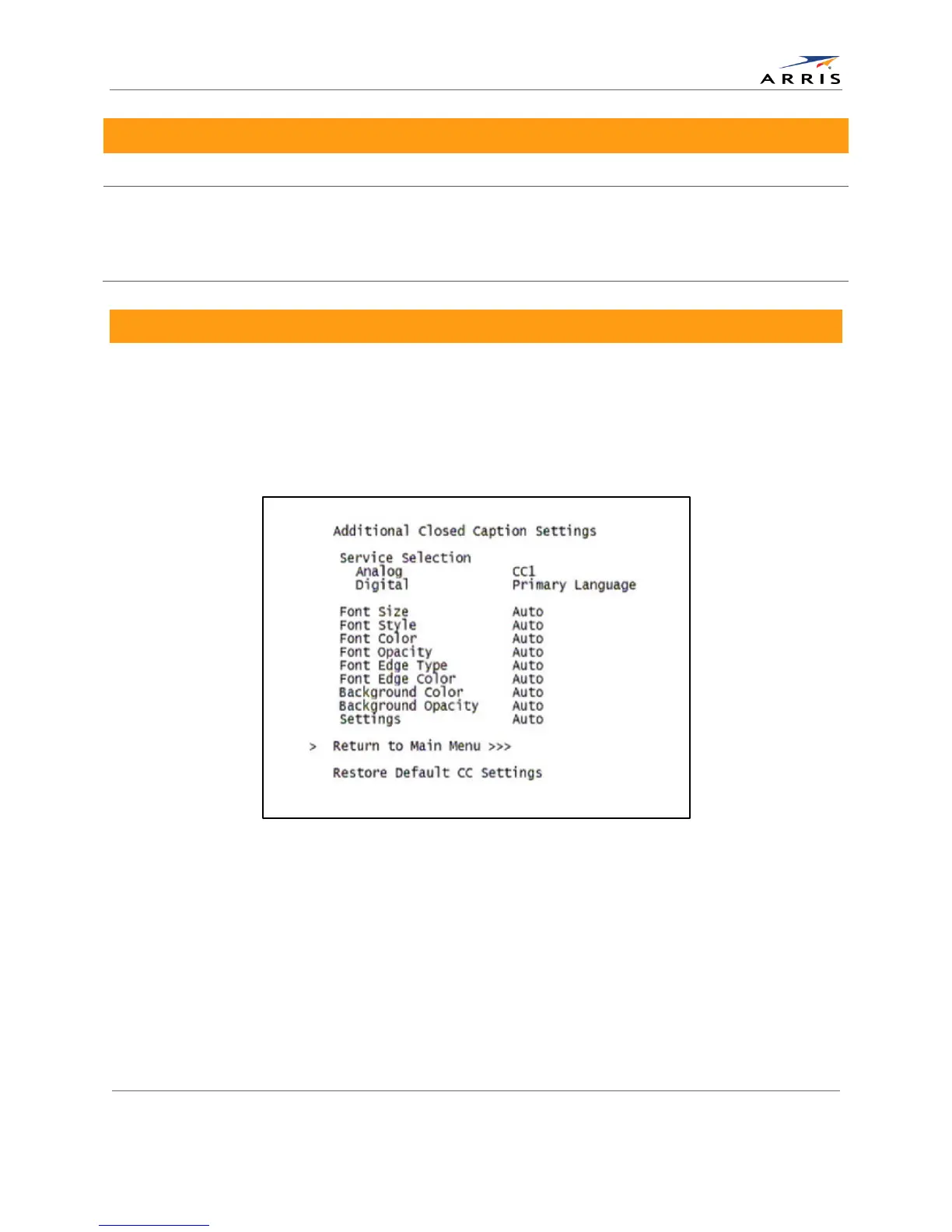
Additional Closed Caption Settings Screen
The Additional Closed Caption Settings menu becomes available when Closed Captioning is
enabled and is used to adjust the various display options for closed caption legibility.
Customizable options include font size, font style, font color, and font opacity. You may also
select to view different closed caption services if these are included within the broadcast
program.
Figure 12: Additional Closed Caption Settings menu screen
All-Digital, High-Definition Set-top DCX525 • User Guide 25
© ARRIS Enterprises, Inc. 2015 All rights reserved. 365-095-25821 x.2



 To Next Page