Configuring the User Settings
Native Mode Settings Screen
The Native Mode Settings menu is used to configure the operation of the native mode feature
on the DCX525.The DCX525 is capable of receiving and decoding a number of different digital
video formats. When operating in native mode, the DCX525 generates a video output format
that most closely matches the broadcast video format.
For example, if the DCX525 is configured to operate in native mode, a channel broadcast in the
720p format will be output to the television in the 720p format, while a channel broadcast in the
1080i format will be output to the television in the 1080i format.
When using the native mode feature of the DCX525, please exercise caution when selecting the
formats from the checklist. If a format is selected that is not compatible with the television, there
may be a loss of video whenever the DCX525 is tuned to a channel which is broadcast in that
format.
If the television is connected to the DCX525 using an HDMI cable, the DCX525 will automatically
customize the checklist of supported formats as reported to it by the television. If the television
is connected to the DCX525 using RF OUT (coax) cable, the checklist will need to be customized
manually. Note that at least one of the [1080p - 1080i – 720p – 480p – 480i] formats must be
selected from the checklist for the DCX525 to operate properly in native mode.
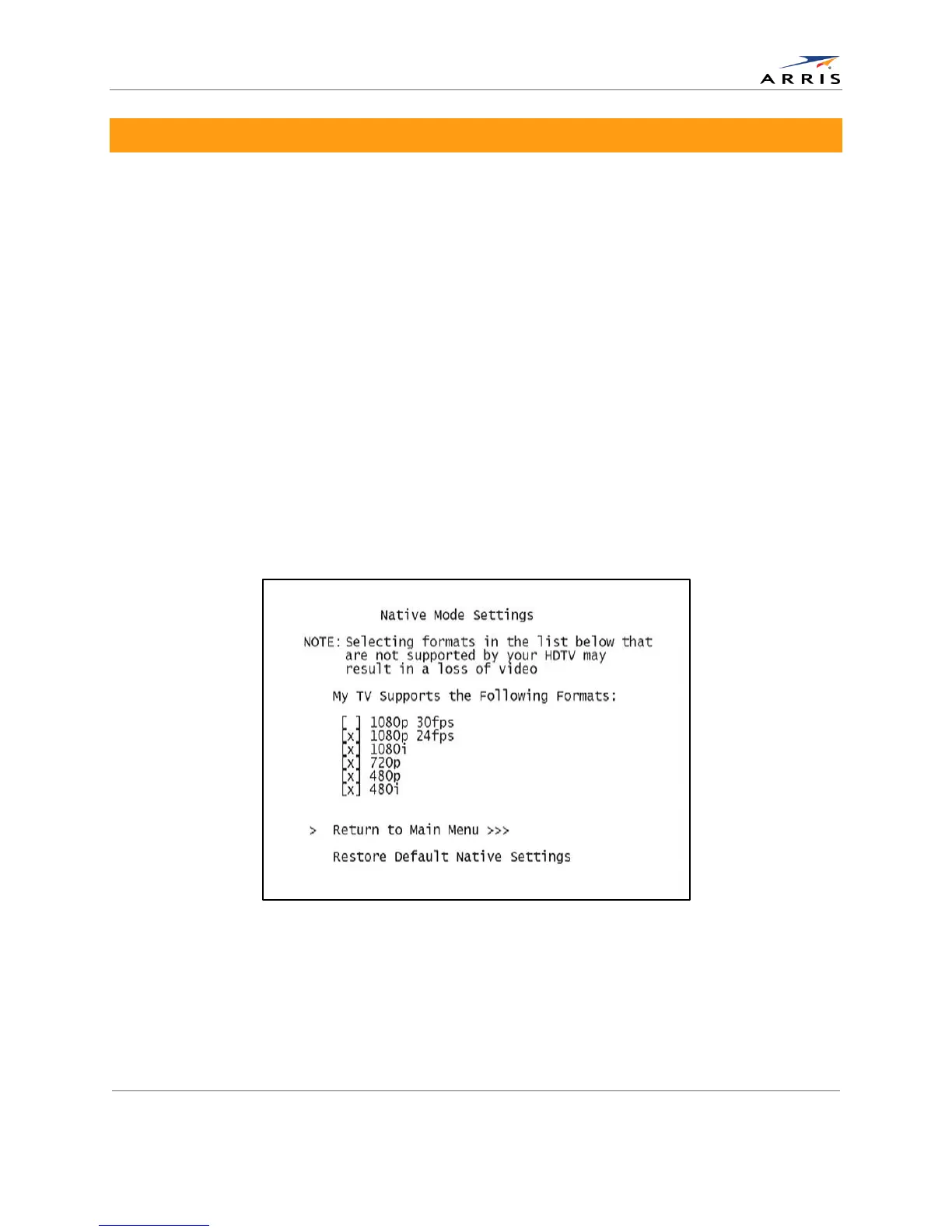
The Native Mode Settings menu screen is illustrated and defined below.
Figure 10: Native Mode Settings menu screen
All-Digital, High-Definition Set-top DCX525 • User Guide 20
© ARRIS Enterprises, Inc. 2015 All rights reserved. 365-095-25821 x.2



 To Next Page