Configuring the User Settings
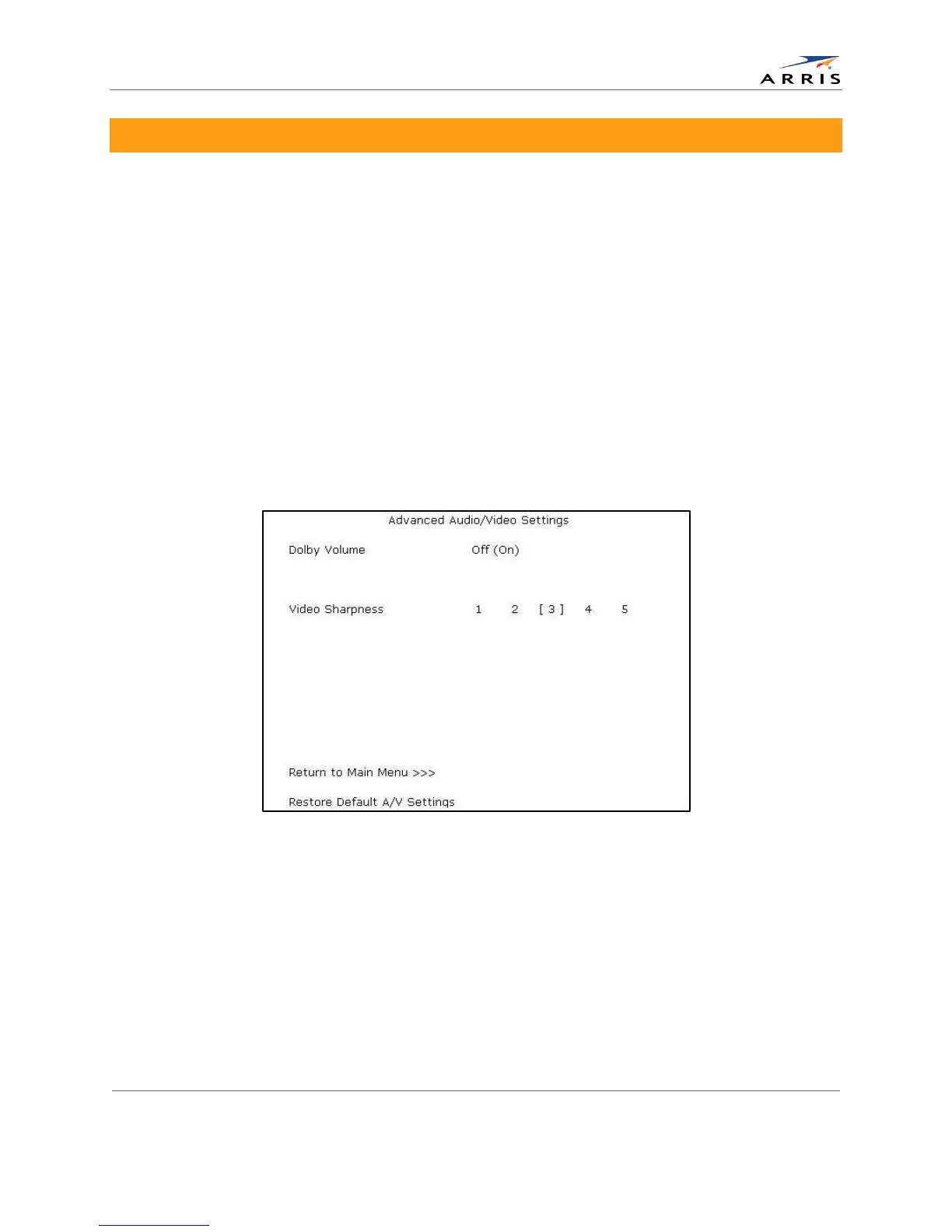
Advanced Audio/Video Settings Screen
The Advanced Audio/Video Settings menu is used to customize several advanced audio and
video features of the DCX525, most notably the Dolby Volume feature and the Video Sharpness
feature.
The Dolby Volume feature provides volume normalization across channels, programs, and
commercials. Normalization is a process where the different volume levels across channels,
programs, and commercials are adjusted to the same approximate output volume. As a result,
sudden volume changes are reduced and the overall volume output of the DCX525 is more
consistent.
The Video Sharpness feature is used to soften or sharpen Standard Definition (SD) programs
when viewed on the HDMI output. When SD programs are viewed on a large screen television,
picture quality can suffer because noise and other imperfections in the picture can be magnified
on the large display. The Video Sharpness feature can be used to soften the picture and reduce
the appearance of these imperfections.
The Advanced Audio/Video Settings menu screen is illustrated and defined below.
Figure 14: Advanced Audio/Video Settings Menu Screen
All-Digital, High-Definition Set-top DCX525 • User Guide 29
© ARRIS Enterprises, Inc. 2015 All rights reserved. 365-095-25821 x.2



 To Next Page