Chapter 6: Using the Data Gateway
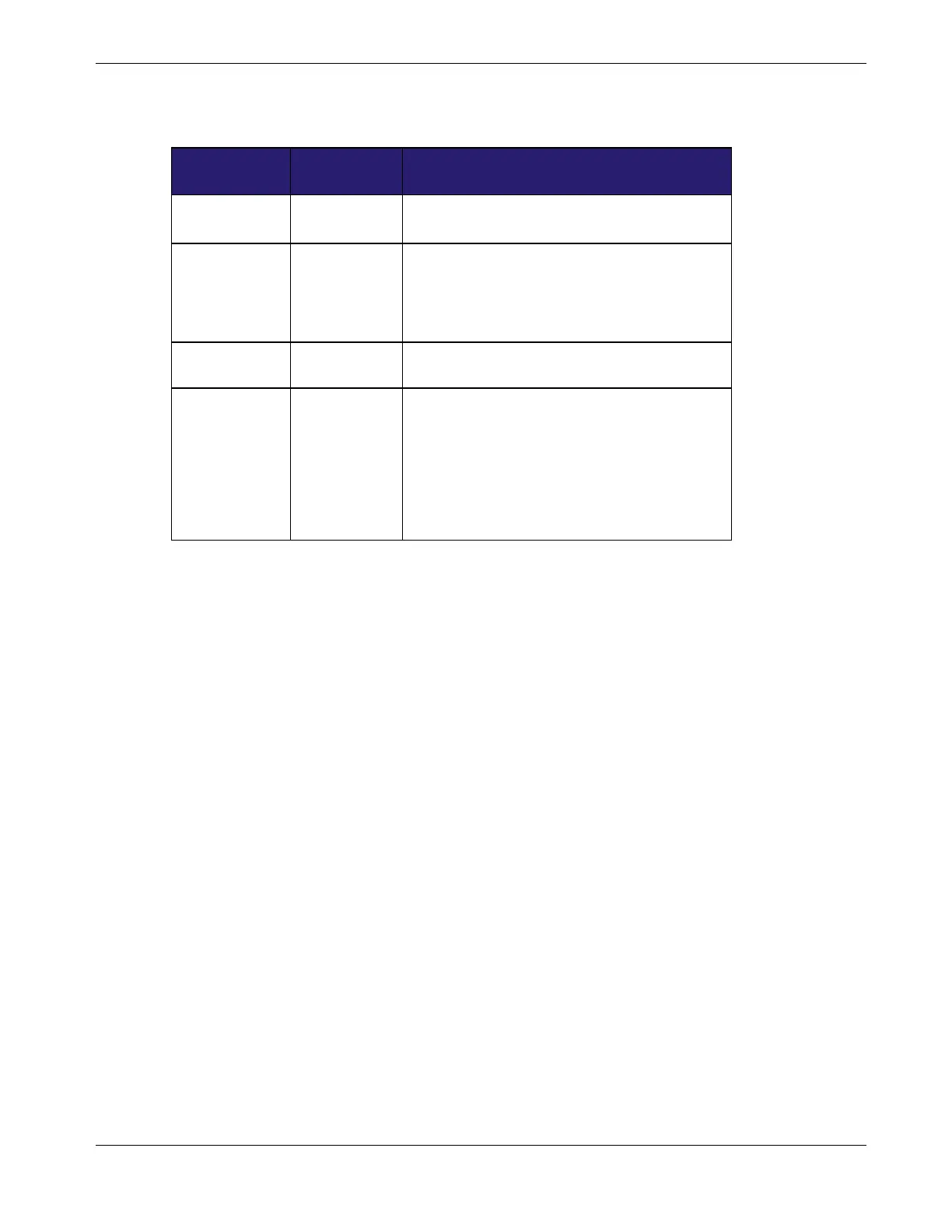
Cable Modem Startup Sequence
US/DS Online Description
Slow Flash
(1/second)
Off Downstream acquisition in progress
On
(until
Upstream
acquisition
starts)
Off Downstream acquisition completed
Fast Flash
(3/second)
Off Upstream acquisition in progress
On
Slow Flash
(during
acquisition)
On (when
modem IP
address
obtained)
Upstream acquisition completed, ready for
service
Using the Reset Button
Use the Reset button (1), on the back of the Data Gateway, to reset the modem and
perform initialization as if you power cycled the unit. You may need to reset the Data
Gateway if you are having problems connecting to the Internet. Using this button will be
rare.
Use a pointed non-metallic object to press this button. The Reset button is recessed to
prevent accidental resets.
Release 16 STANDARD 1.3 March 2015 Touchstone DG1680 Data Gateway User Guide 32














 To Next Page