Chapter 4: Installing and Connecting your Data Gateway
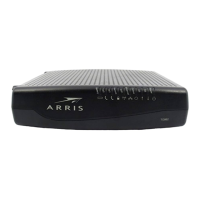
Front Panel
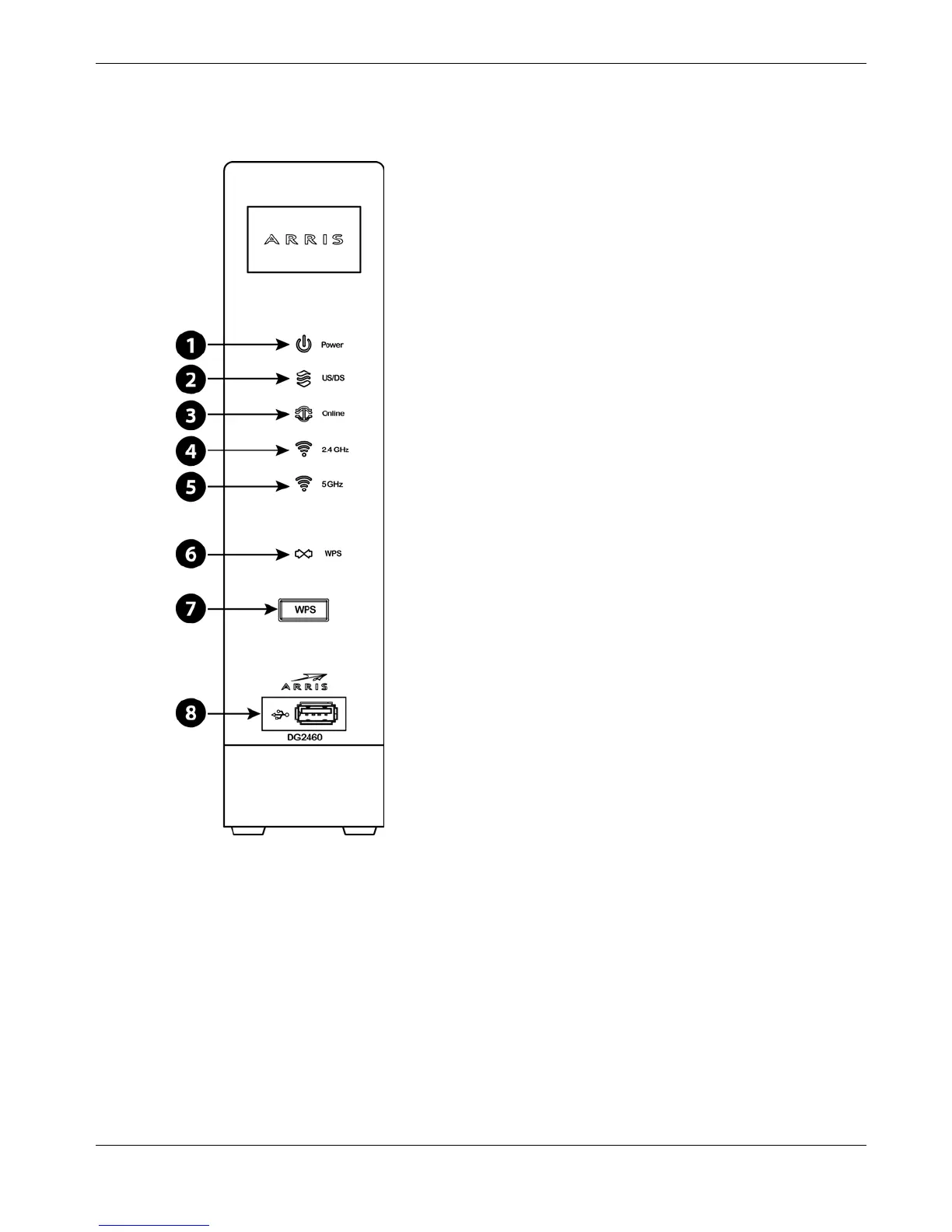
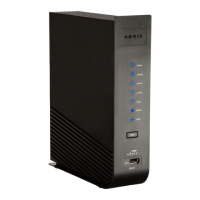
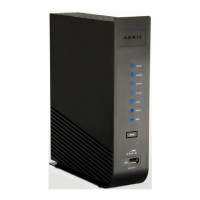
The front of the Data Gateway has the following indicators.
1. Power: indicates whether AC power is available to the unit.
2. US/DS: indicates upstream/downstream connectivity.
3. Online: indicates internet data transmission status.
4. 2.4 GHz: indicates the status of the 2.4 GHz wireless LAN.
5. 5 GHz: indicates the status of the 5 GHz wireless LAN.
6. WPS: indicates Wireless Protected Setup (WPS) is active.
7. WPS Button: begins associating the Data Gateway with a wireless device.
8. USB: USB host connector - future support for external USB devices.
Release 24 STANDARD 1.1 February 2015 Touchstone DG2460 Data Gateway User Guide 17







 To Next Page