15
TM508/TM512 Installation Guide Release 5 Standard 1.2 Mar 2007
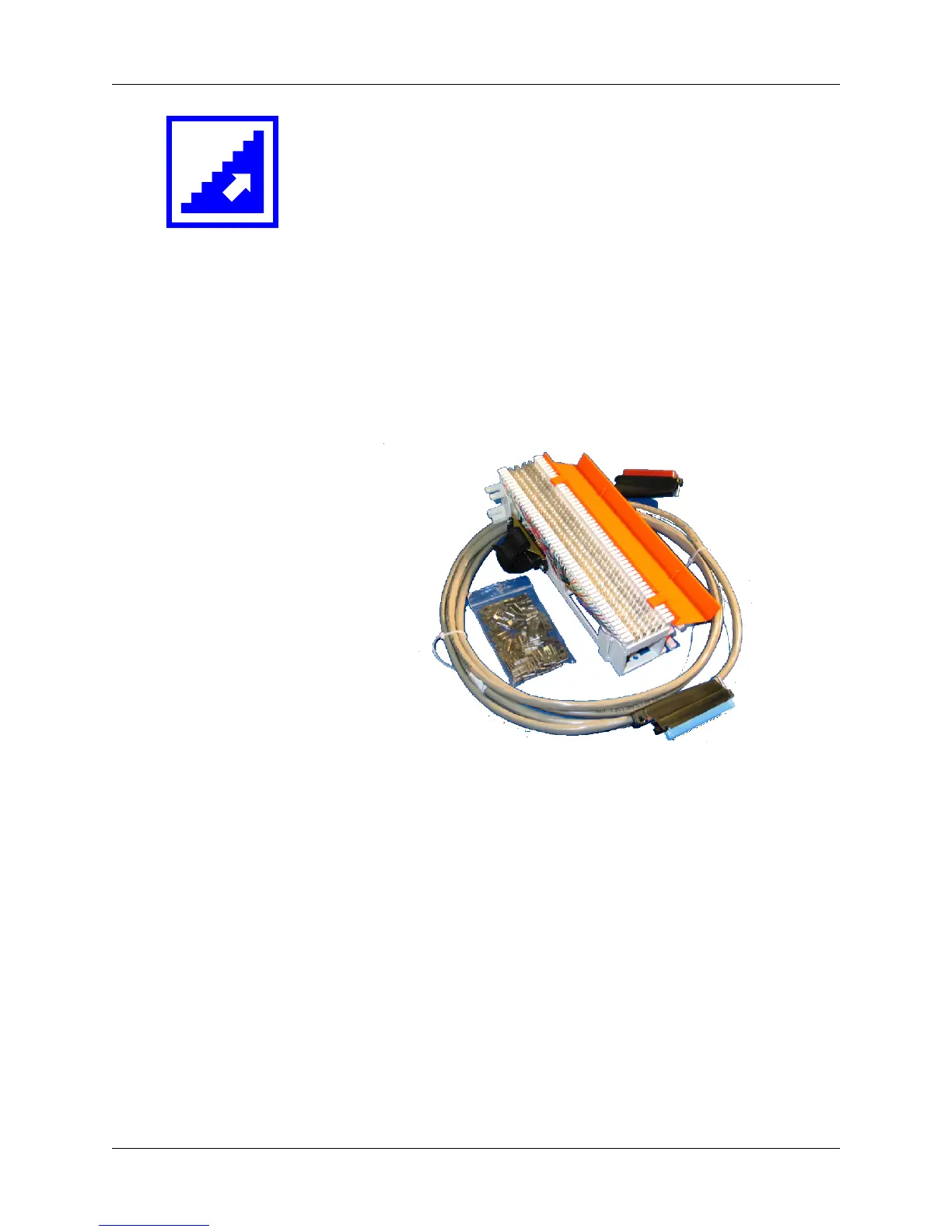
Installing the Punch-Block Kit
Use this procedure to install the ARRIS punch-block kit accessory,
order number 719321, in the wiring closet.
Location Locate the punch-down block within 6 feet of the rear of the Telephony
Modem. The RJ-21X cable supplied with the kit is 10 feet (3.3m) long;
allow for slack and routing considerations. The selected location should
also allow subscriber telephone lines to reach the punch-down block
with sufficient clearance.
Kit Contents The punch-block kit contains the following items.
1 Pre-wired Network 66-block with cover
2 24 bridging clips (two for each telephone line)
3 RJ-21X cable
Note: The supplied RJ-21X cable is wired only for use with TM508
or TM512 Telephony Modems.
Required Tools You need the following tools to install the punch-block kit. Tools are
available from ARRIS Telewire Supply.
• #2 Phillips screwdriver
• 66-block punch tool
• wire cutters
1
2
3















 To Next Page