18
Touchstone Telephony Release 5 Standard 1.2 Mar 2007
Connecting Cables
Use this procedure to connect the Telephony Modem to power and net-
works.
Rear Panel
Connectors
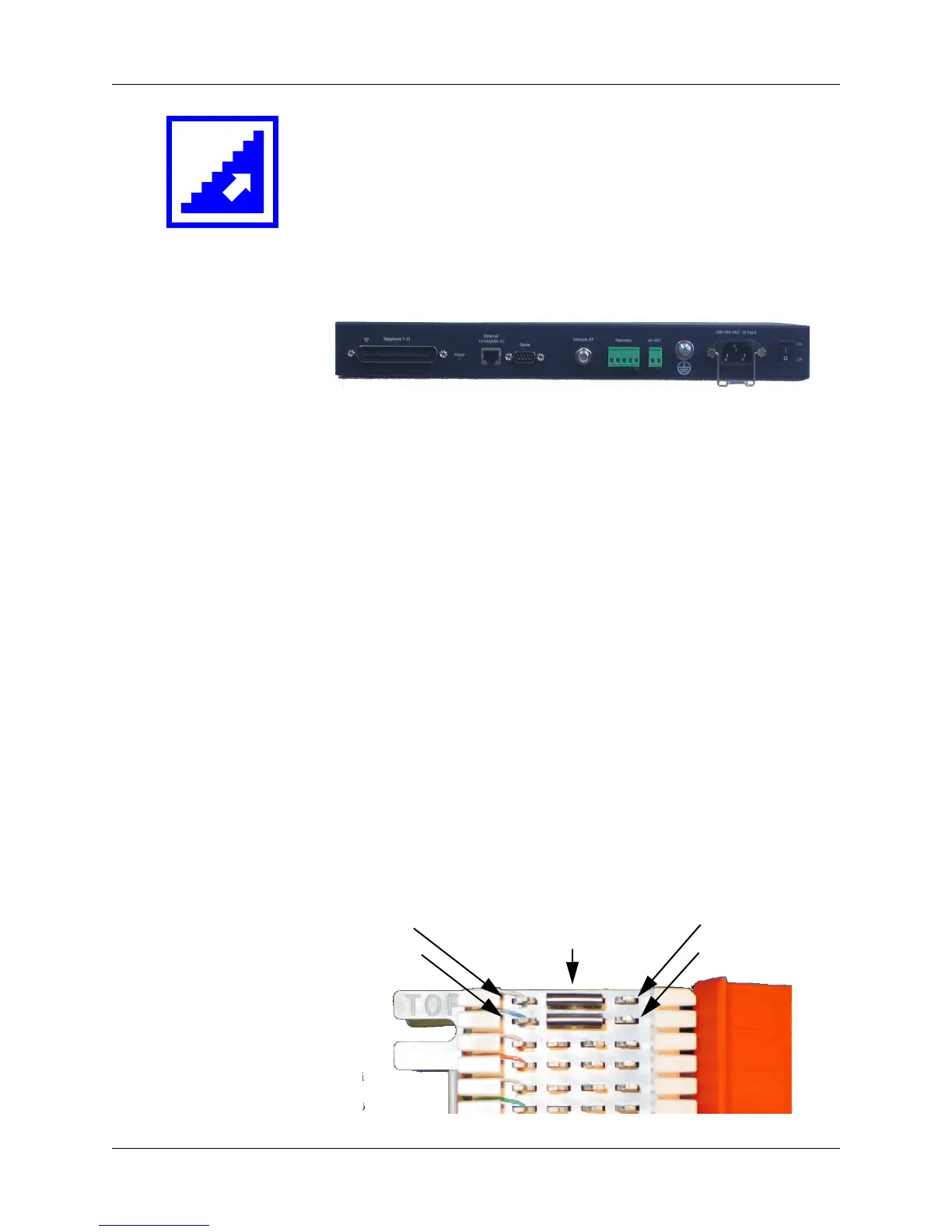
Refer to the following photo for the locations of rear panel connectors
when performing this procedure.
1 Telephony Lines (RJ-21X)
2 Ethernet connector
3 Unused
4 Network RF (coax) connector
5 Telemetry block
6 DC power block
7 Grounding lug
8 AC power connector
9 Power switch
Subscriber
Connections
Before you start, make sure that telephone lines are properly connected
to the punch-down block as follows (ARRIS punch-block kit compo-
nents shown below). See “Connecting Subscriber Wiring” on page 17
for details.
123456789
Bridging Clips
(required to
enable service)
Network side Subscriber side
Line 1 – Tip
Line 1 – Ring
Line 1 – Tip
Line 1 – Ring















 To Next Page