TM508/TM512 Installation Guide Release 5 Standard 1.2 Mar 2007
3
3 Troubleshooting
Information
This chapter describes troubleshooting features.
Troubleshooting Interfaces
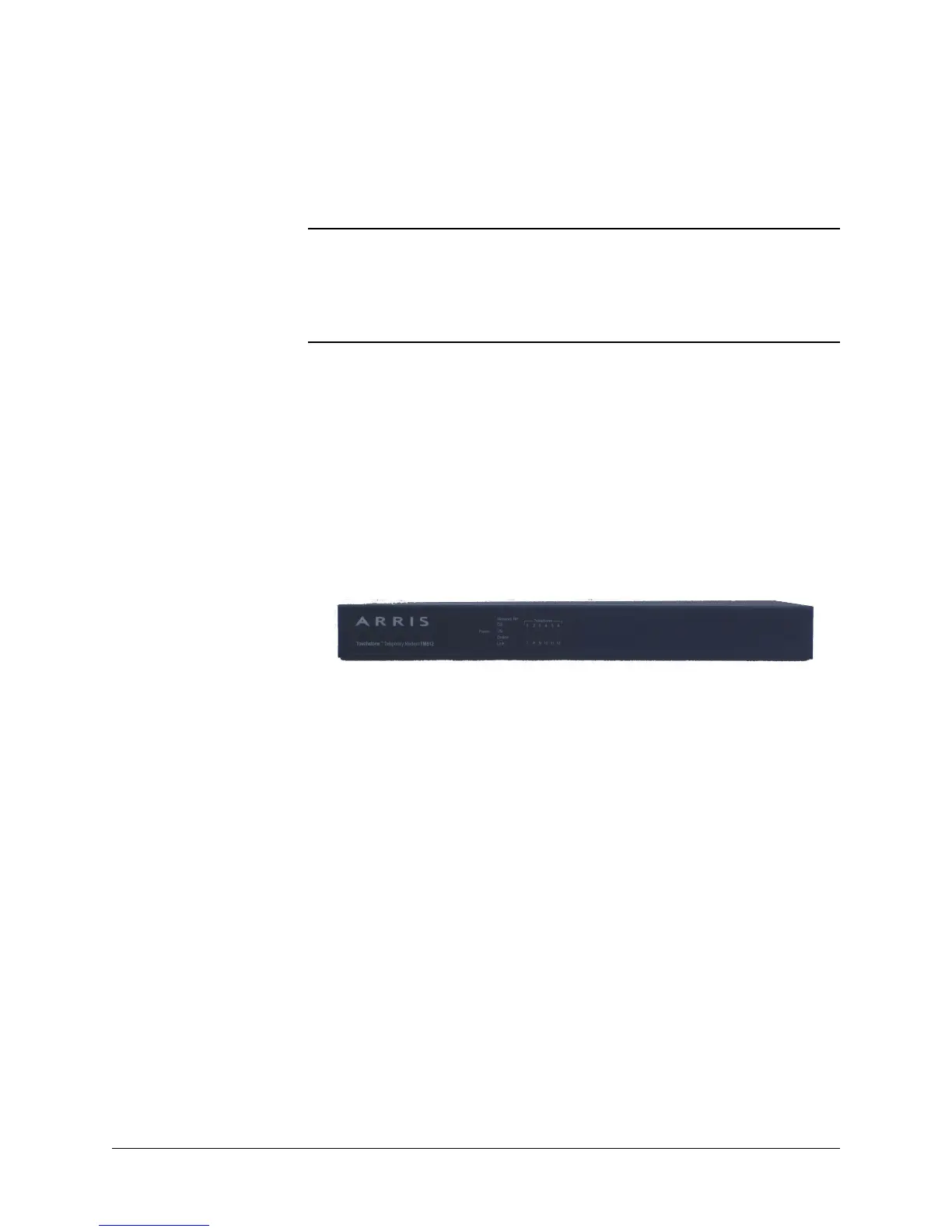
The Telephony Modem provides two troubleshooting interfaces: the
front panel LEDs and the telemetry block.
Front Panel LEDs The front panel LEDs provide information about DOCSIS and tele-
phony status.
The LED patterns shown in this section are valid for the default firm-
ware version installed on the Telephony Modem. See the Troubleshoot-
ing Guide corresponding to the actual firmware installed for updated
LED patterns.
Power-On Self Test Failure Pattern
When a Telephony Modem fails power-on self test (POST), it repeats
the following sequence:
• POWER LED on for 2 seconds; other LEDs off
• All LEDs flash rapidly (10 times per second) for 10 seconds
A Telephony Modem repeatedly displaying this sequence is defective
and should be replaced.















 To Next Page