20
Touchstone Telephony Release 5 Standard 1.2 Mar 2007
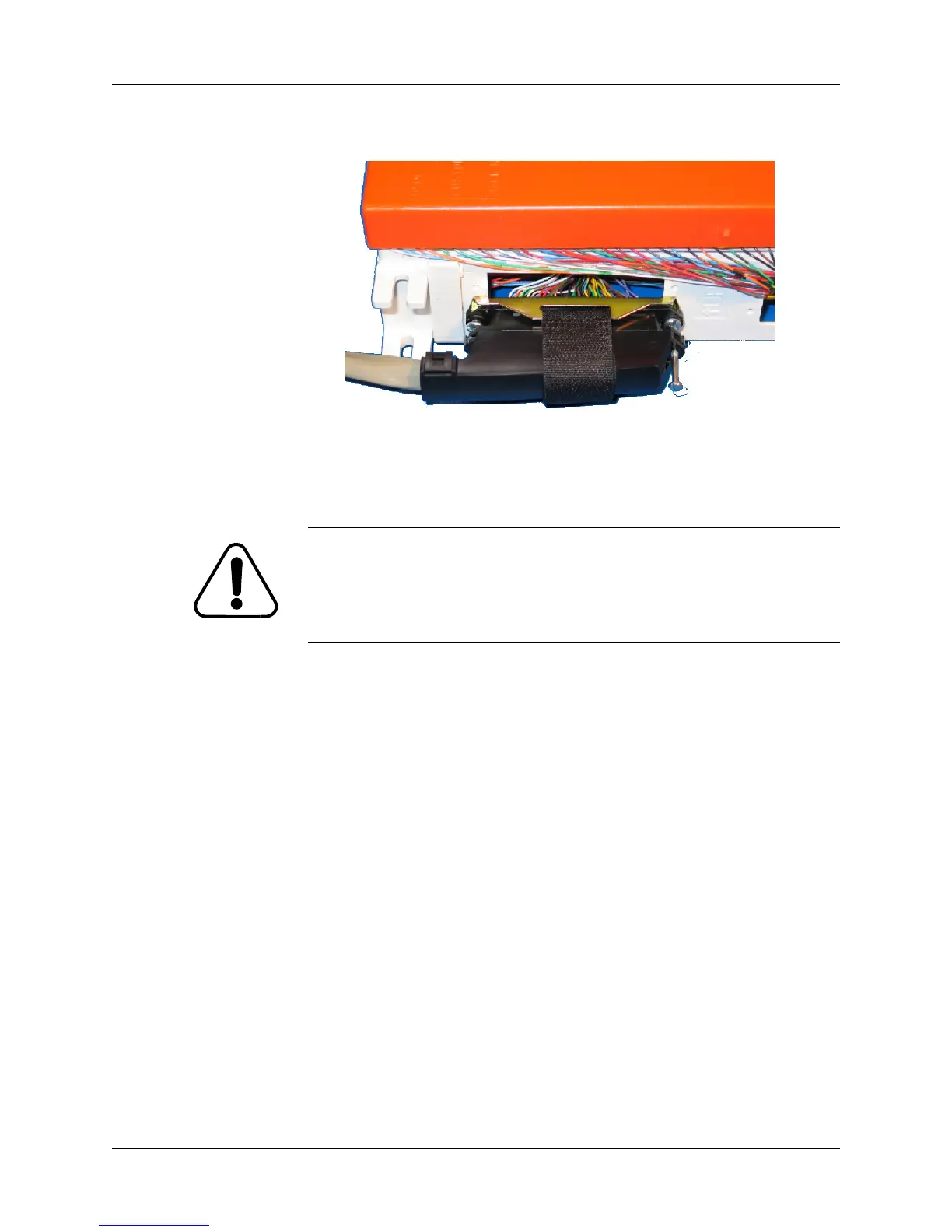
and secure with the Velcro strap (see below). Connect the other end
to the Telephone jack on the Telephony Modem.
4 (optional) Connect a 100BaseT Ethernet cable between the Tele-
phony Modem Ethernet jack and the Uplink port on a hub or
switch.
CAUTION
Risk of equipment damage
Connect only DC or AC power, not both, to the TM512. Connecting
both supplies may cause a reset upon loss of AC power.
5 Connect power as follows:
• If connecting DC power, proceed to “Installing the Battery
Backup Power Supply” on page 21.
• If connecting AC power, lift the cord lock and then connect the
power cord between the AC connector on the Telephony
Modem and the AC power source. Use the cord lock to secure
the power cord.















 To Next Page