51
⑪
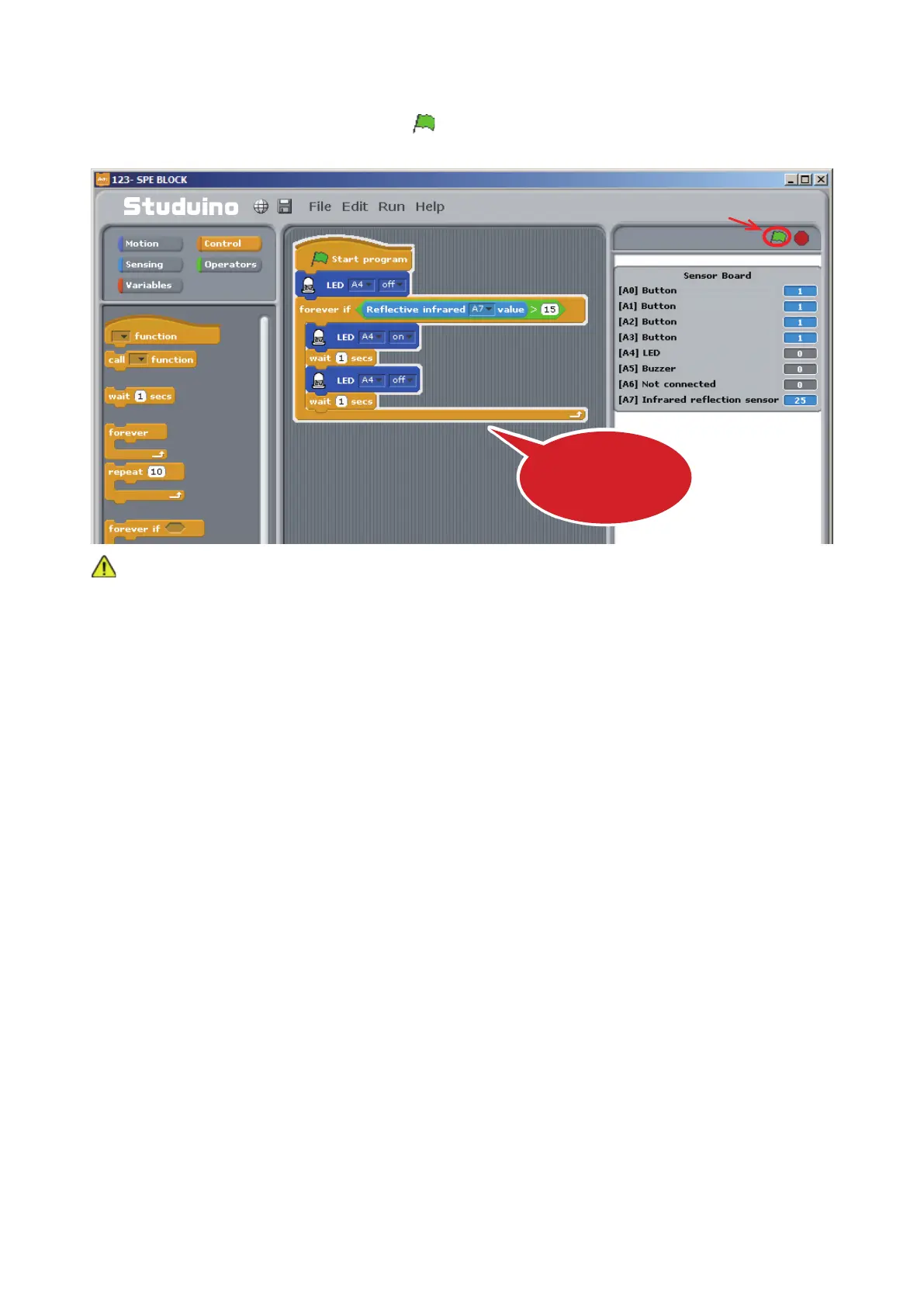
Now let’s check to see if your LED blinks. Make sure your Studuino is connected to your PC. Now
choose Test ON from the Run menu.
⑫
Once you’ve opened Test Mode, click
.
Now look at the Sensor Board as you bring the object closer and check that the LED blinks when the value
goes over 15.
Choose Transfer from the Run menu to transfer your program to your Studuino. Now you can unplug your
USB cable and run your program using the Battery Box.
Click
The program will run in
Test Mode
Never disconnect your USB cable while in Test Mode!



 To Next Page