2.3. The Menu bar
The strip along the top of the AudioFuse Control Center is called the Menu bar. Its contents
may vary depending on which device you have selected.
2.3.1. The Arturia menu
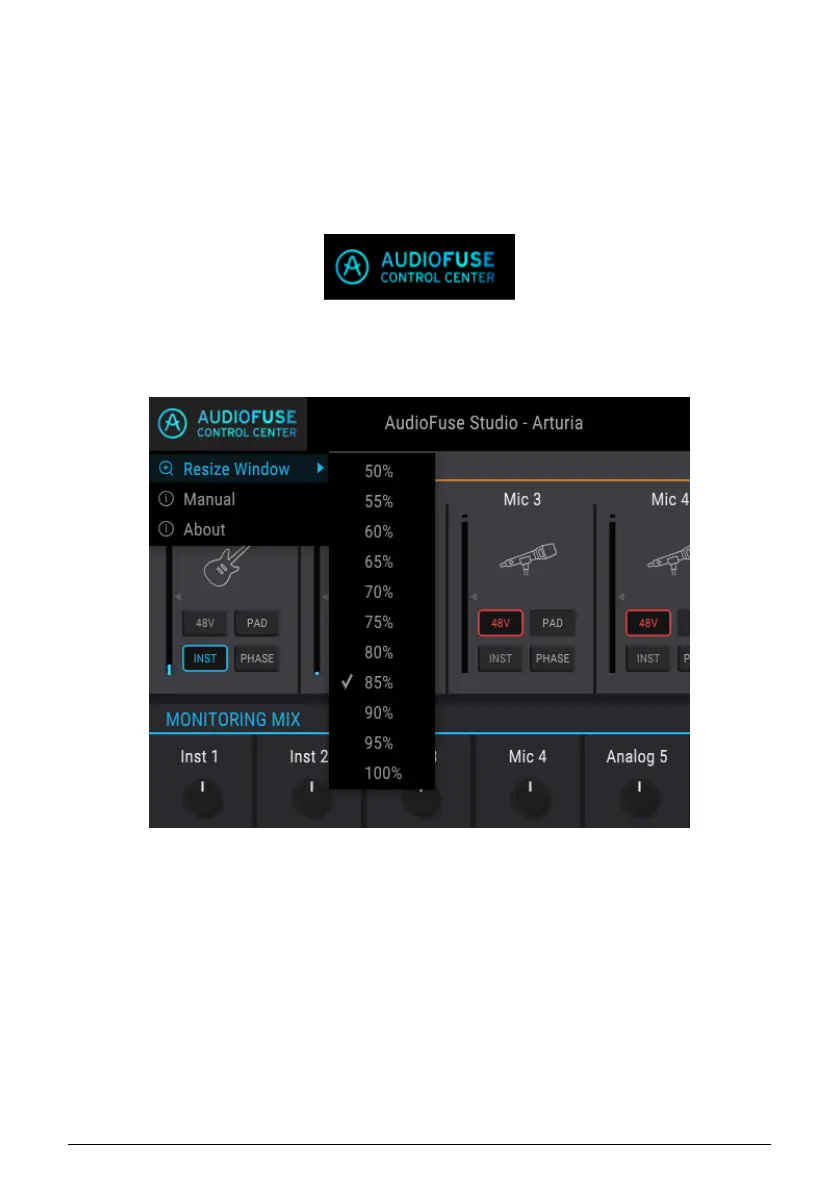
Click the upper left-hand corner of the AFCC window to open the Arturia menu.
2.3.1.1. Resize Window
The AFCC automatically detects the size of your monitor and selects the optimal
magnification value. But you can override this setting and it will be remembered the next
time you launch the AFCC.
42 Arturia - User Manual AudioFuse Studio - AudioFuse Control Center



 To Next Page