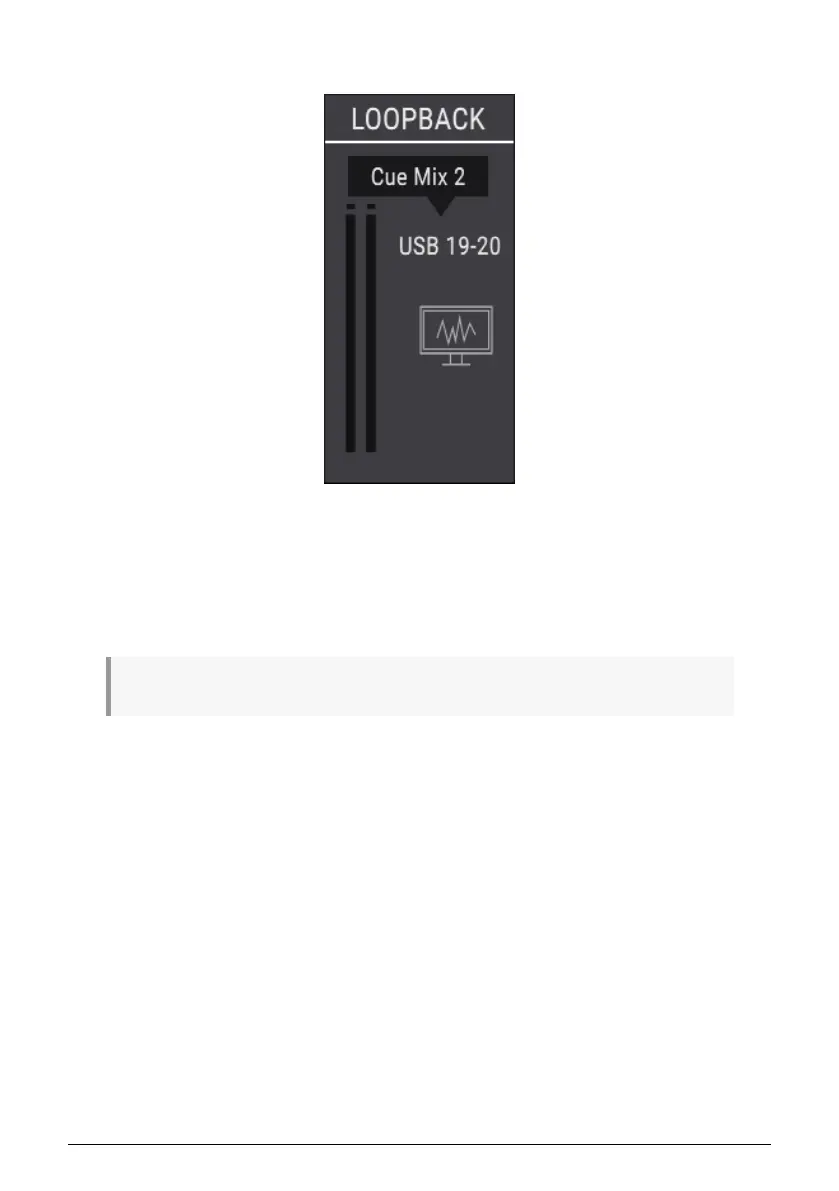
2.4.3.3. Loopback section
The Loopback section provides two additional recording input channels that are not
accessed through the front or rear panels of the AudioFuse Studio: USB channels 19 and 20.
They are connected to a dedicated USB record stream, so the output of another application
or of one of the AudioFuse studio monitoring mixer can be recorded directly by a DAW.
The source for the Loopback channels can be the Main Mix, Cue Mix 1, or Cue Mix 2 of the
AudioFuse Studio. There is also a Disabled selection if this function is not required.
♪: The Loopback section is only available when the sample rate is set to 44.1 kHz or 48 kHz.
Arturia - User Manual AudioFuse Studio - AudioFuse Control Center 61



 To Next Page