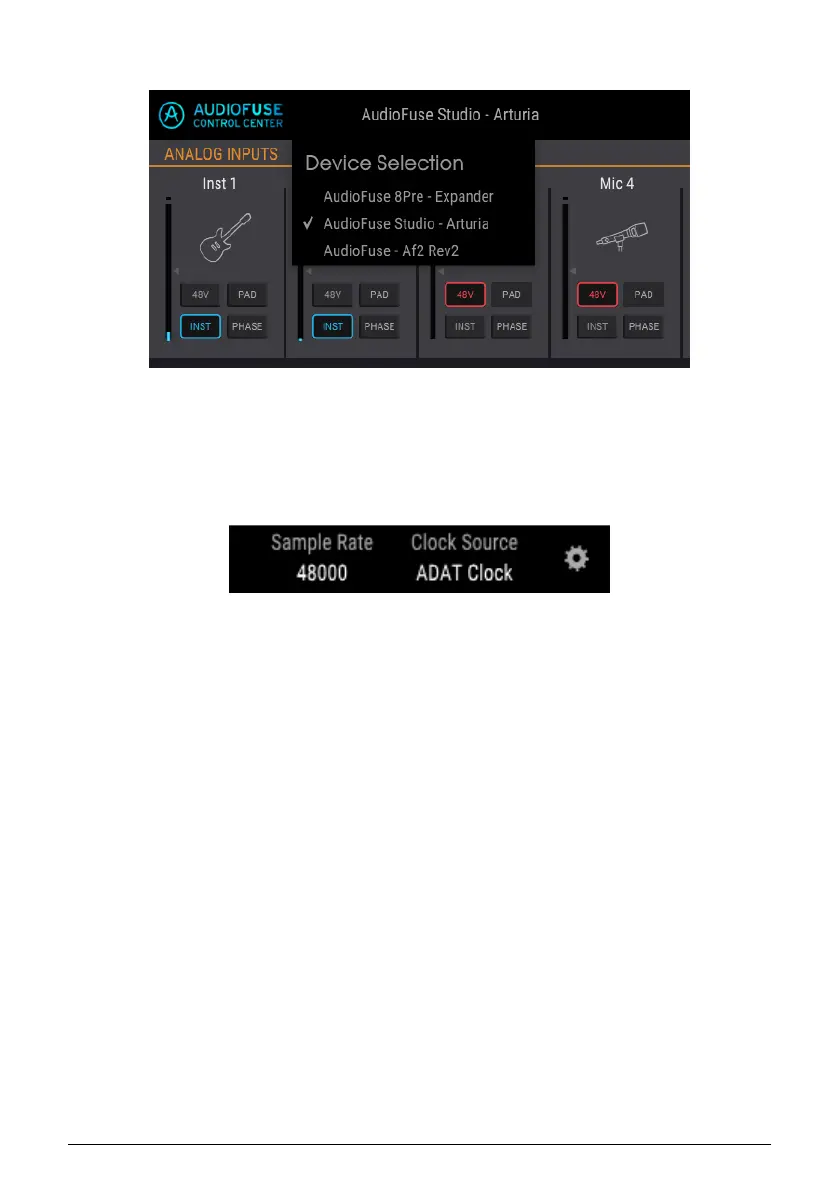
2.3.2. Device Selection
This window allows you to select between devices when more than one AudioFuse product
is connected to the same computer. That way you can choose which one you want to
modify with the AFCC.
2.3.3. Device Status
The Menu bar has two fields that show you the status of the AudioFuse Studio at a glance.
• Sample Rate displays the sample rate being generated or received.
• Clock Source indicates the sync selection: Internal, WORD, or ADAT Clock.
To change these settings, navigate to Device Settings > Audio Settings.
44 Arturia - User Manual AudioFuse Studio - AudioFuse Control Center



 To Next Page