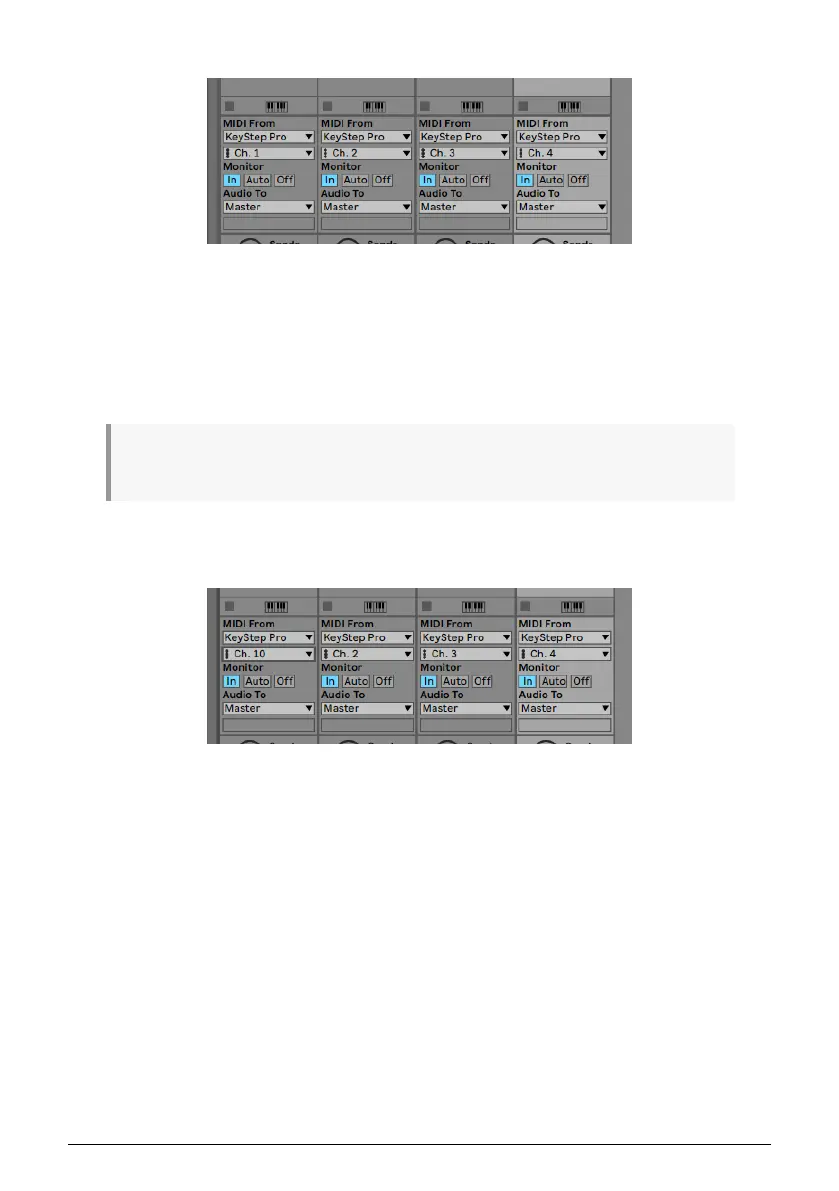
Your screen should now look like this:
In this setup, the four KeyStep Pro tracks will play on the four corresponding Ableton tracks.
To play a drum track in Ableton:
• Drag a drum set into an Ableton track.
• Set the track to MIDI channel 10.
• On Track 1 of the KeyStep Pro, press the Drum button.
♪: By default, the KeyStep Pro's drum track (only available on Track 1) will always transmit on MIDI
channel 10.
Because you've set the Ableton drum track to listen on MIDI channel 10, the two will match.
Your screen should now look like this:
Arturia - User Manual Keystep Pro - KeyStep Pro Overview 19














 To Next Page