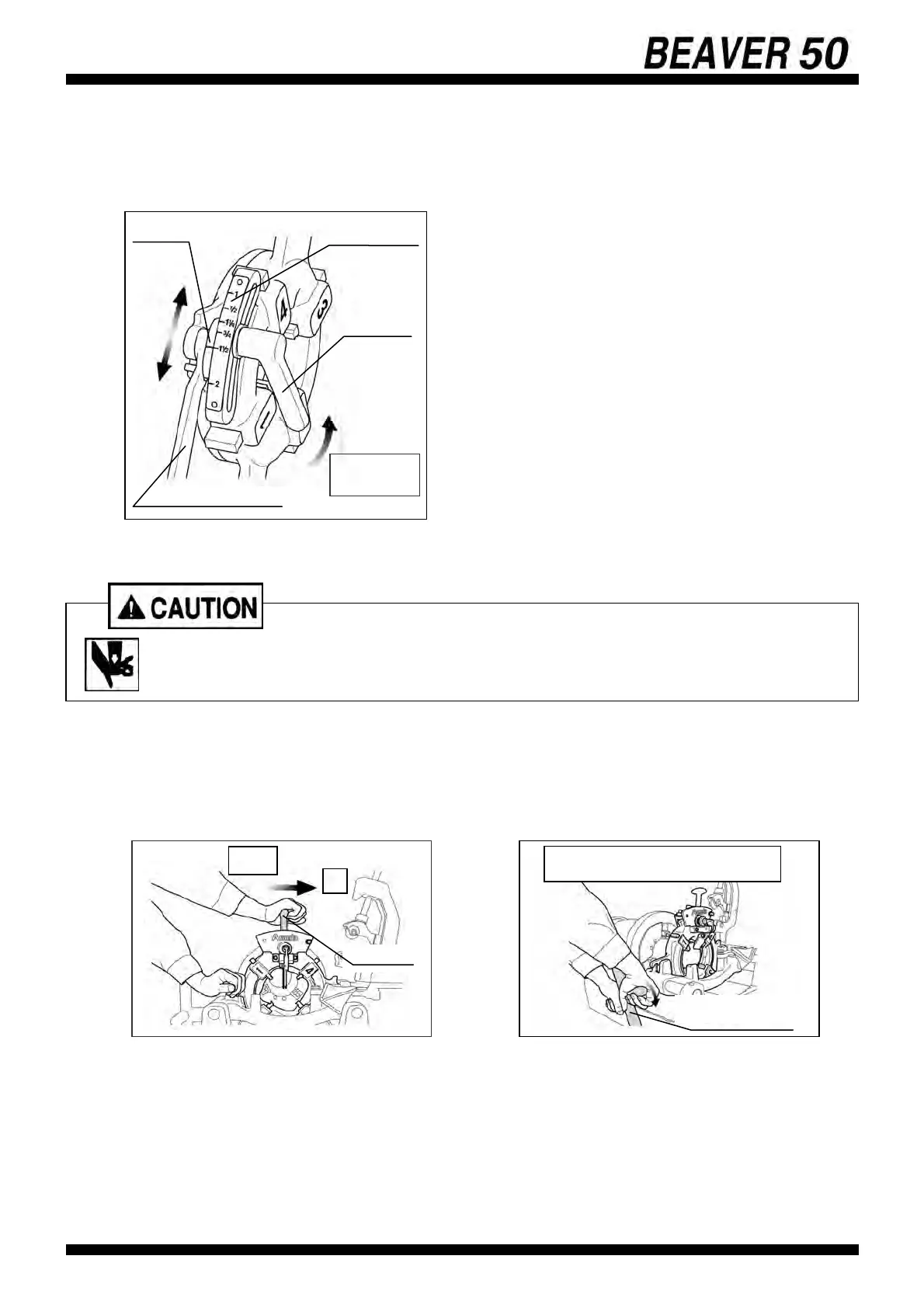
■ For Manual Die-Head
(1) When the Die-Nut has been loosened,the Link goes up and down. Match the eye-work of the
Link with the predetermined scale graduation on the Scale-Plate. (fig.25)
7) Threading
■ For Beaver Die-Head
(1) Lower the Die-Head and set T-Handle with it fully pressed toward B. (fig.26)
(2) Turn the switch ON, turn the Rack Handle clockwise with pressing Dies to the work piece.
(3) Take hands off from the Rack Handle after two or three threads were cut. (fig.27)
(4) Dies are opened automatically when threading done. Switch off when the threading is completed.
■ For Manual Die-Head
(1) Lower the Die-Head and throw the Open-Close Lever down toward you.
(2) Turn the switch ON, turn the Rack Handle clockwise with pressing Dies to the work piece.
(3) Take hands off from the Rack Handle after two or three threads were cut.
(4) When the required number of threads have been cut throw the Open- Close Lever up gradually
to finish cutting by gradually opening the Dies.
※ Should the Dies be opened abruptly, steps may be produced in the finishing section of the thread,
resulting in a defective thread.
22
Loosen
Open-Close Lever
Link
Scale-Plate
Die-Nut
〈25〉
・ Watch the position of your hands while lowering Die-Head to avoid
pinching.
〈27〉
〈26〉
Turn Rack Handle to cut 2 to 3 threads
Rack Handle
T-Handle
B
Press


 To Next Page