BIOS Setup
Asem S.p.A. 51
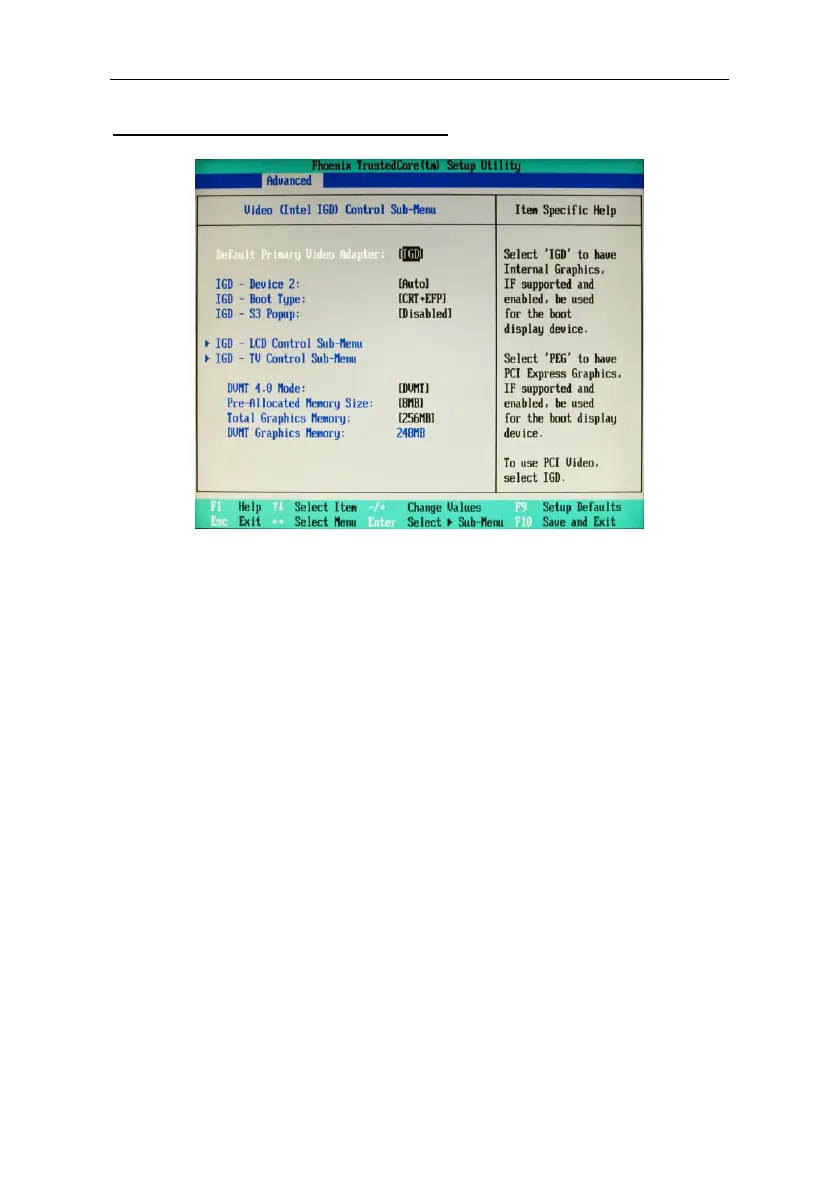
Video (Intel IGD) Control Sub-Menu
Default Primary Video Adapter
Select the primary VGA device (if there is also a PCI device besides the
onboard one).
IGD (default): the start-up device will be the integrated graphic device.
PEG: the start-up device with be the PCI card.
IGD - Device 2
Disabled: disables the integrated graphic device.
Auto (default): enables the integrated graphic device.
IGD - Device 2, Function 1
Disabled: disables the second graphic device.
Auto (default): enables the second graphic device.
IGD - Boot Type
Lets you select the type of display that will be used during the bootstrap.
CRT + LFP SDVO (default): allows use of both displays, CRT and LCD.
Other settings: the selected displays will be enabled during the
bootstrap.
IGD - S3 Popup
Reserved
Default Disabled.



 To Next Page