33
PC adjust
Display
Color adjust
Setting
Expand
Info.
Adjust Select Back
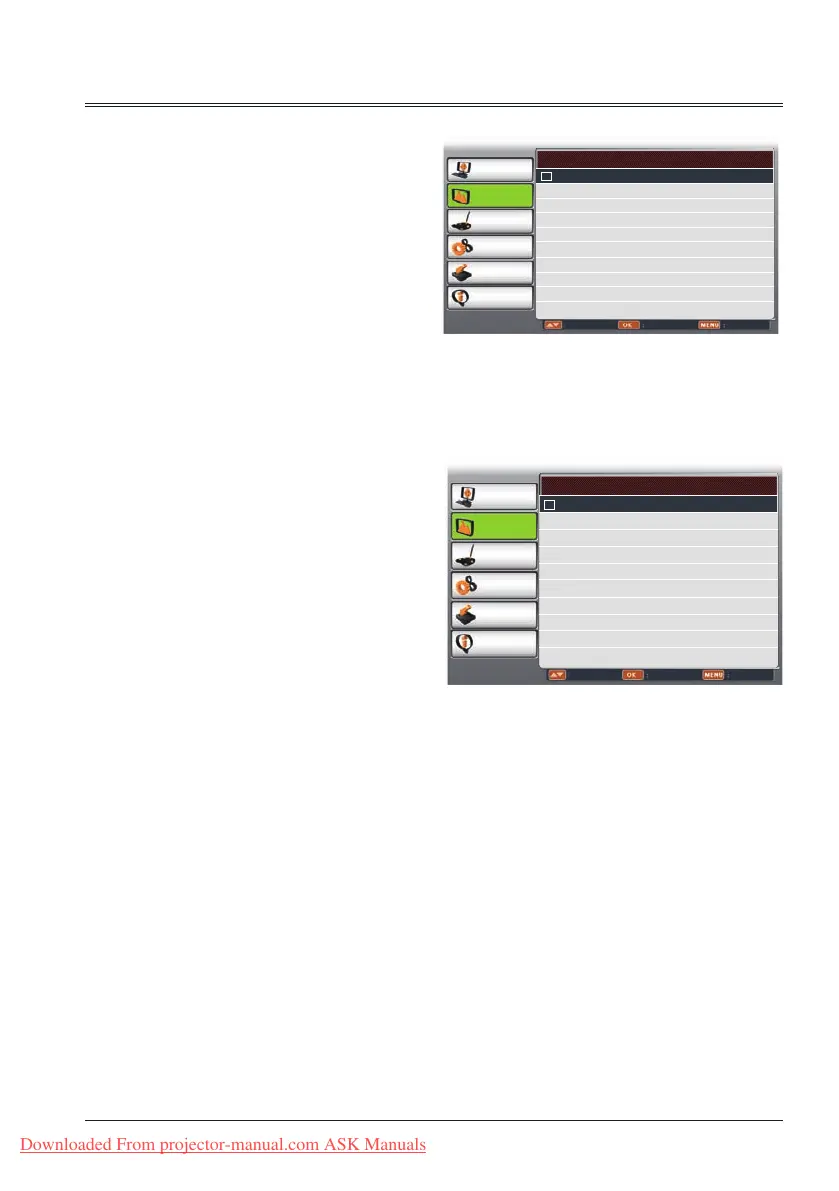
System Component
Auto
1080i
720p
576p
480p
576i
480i
PC adjust
Display
Color adjust
Setting
Expand
Info.
Adjust Select Back
System Video
Auto
PAL
SECAM
NTSC
NTSC4.43
PAL-M
PAL-N
Display
System for Video or S-video signal
System for Component signal
Video or S-video
Auto
The projector automatically detects an
incoming video system,and adjusts itself to
optimize its performance. When Video System
is PAL-M or PAL-N, select the system manually.
PAL/SECAM/NTSC/NTSC4.43/PAL-M/PAL-N
If the projector cannot reproduce proper video
images, select a specific broadcast signal
format from PAL, SECAM, NTSC,NTSC 4.43,
PAL-M and PAL-N.
Component
Auto
The projector automatically detects an input
video system,and adjusts itself to optimize its
performance.
Component video signal format
If the projector cannot reproduce proper video
images, select a specific broadcast signal
format from 480i, 576i, 480p, 576p, 720p and
1080i.
Downloaded From projector-manual.com ASK Manuals



 To Next Page