9
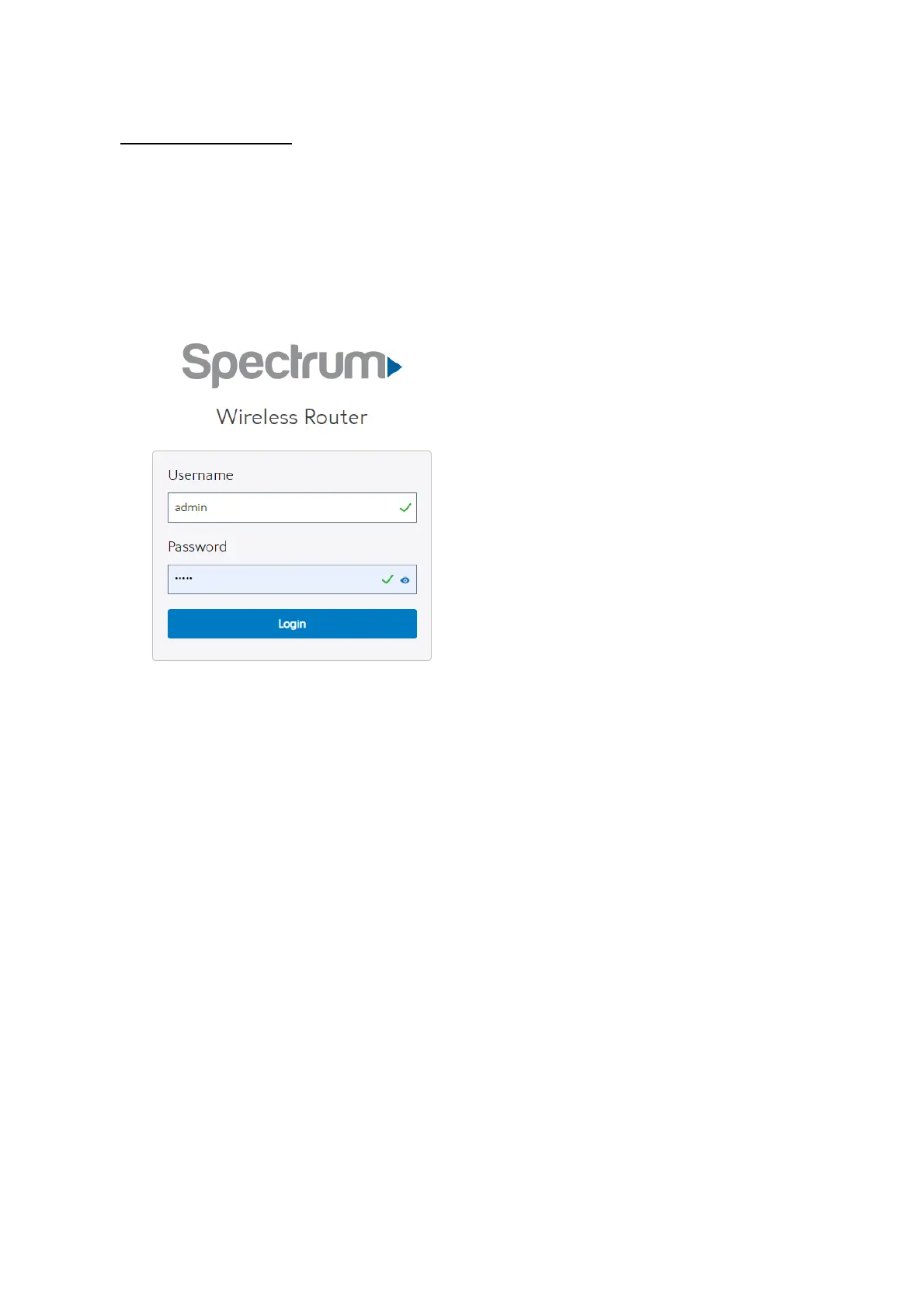
https://192.168.1.1, and click Enter key in the keyboard;
2. On the sign in webpage, type in its Username and password: admin (admin), then
click Login button.
After administrator has logged in the WiFi Router, some quick setting information will
be displayed by the browser. You can quickly set up Wifi information.


 To Next Page
 Loading...

