22
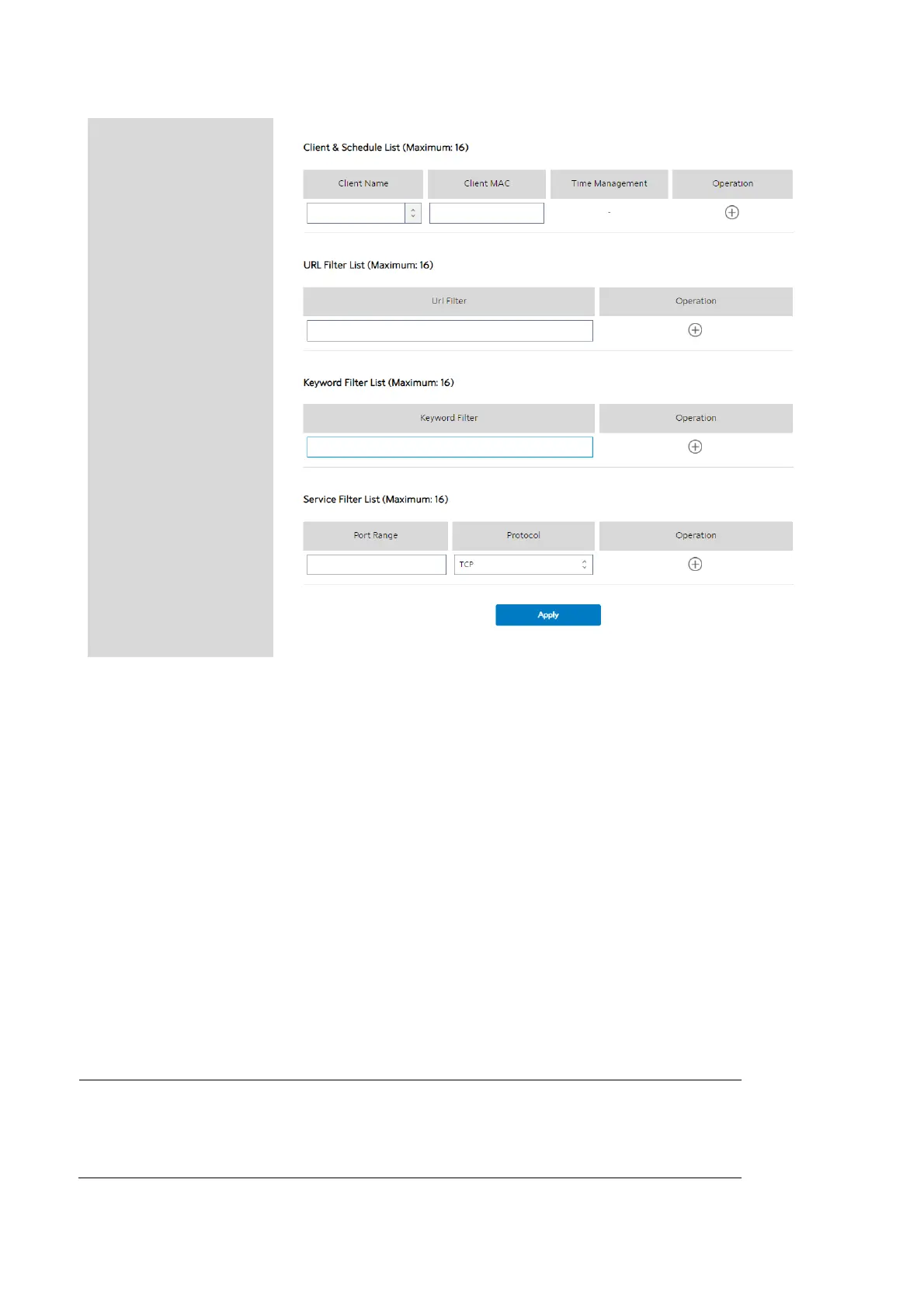
Steps to set parental control function:
1. From the navigation panel, go to Basic > Parental Control.
2. Enable Parental Control: Select On to enable parental control, Select Off to
disable parental control.
3. Client & Schedule List
• Client Name: Select client from the list. The name in the list stands for the
client that is communicating with the WiFi Router.
• Client MAC: MAC address of the selected client.
NOTE: Client Name just makes it easier for technician to distinguish
LAN-side devices. The Client MAC in fact specify the device with the Client



 To Next Page
 Loading...

