43
2.4.1.2 LAN Settings
2.4.1.2.1 LAN
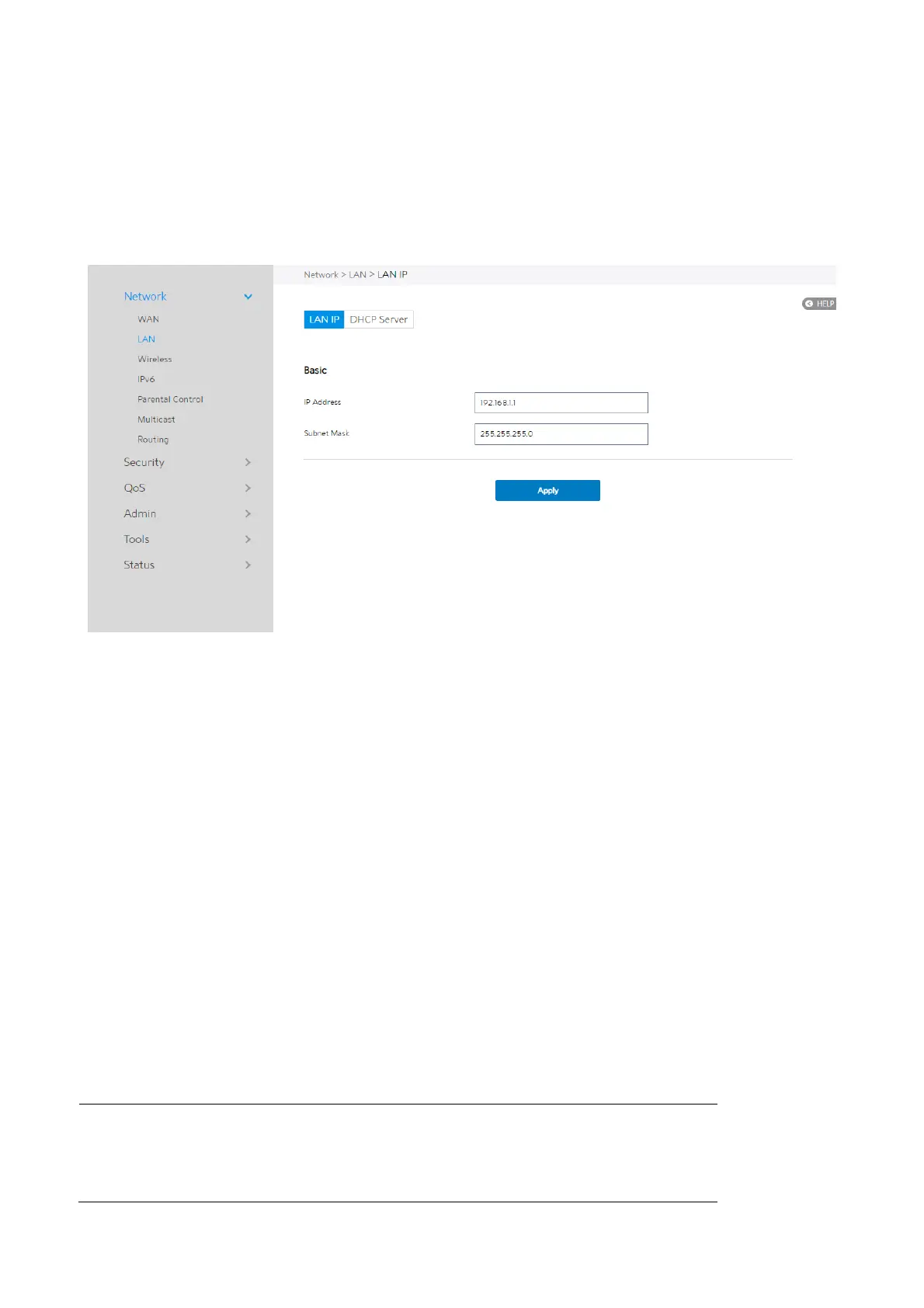
The LAN IP module lets administrator modify LAN-side IP address of the router.
Steps to modify the LAN IP settings:
1. From the navigation panel, go to Advanced > Network > LAN > LAN IP.
2. IP Address: The LAN IP address of WiFi Router. The default value is 192.168.1.1. In
IP-based networks, data packets are sent to the network devices' specific IP
addresses.
3. Subnet Mask: The LAN subnet mask of WiFi Router. Its default value is
255.255.255.0
4. Click Apply.
NOTE: Any change to the LAN IP module will affect router’s DHCP
settings.



 To Next Page
 Loading...

