15
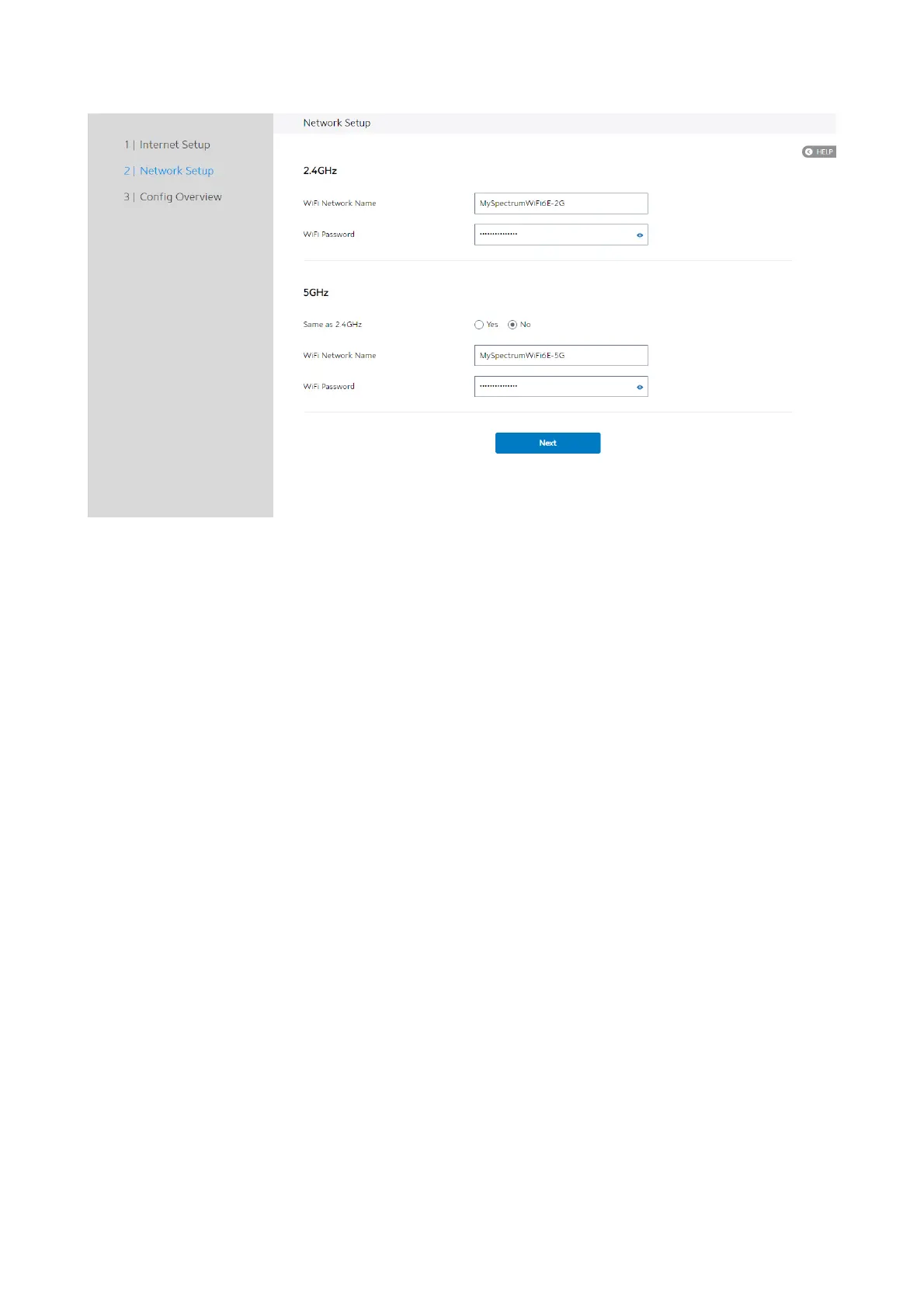
1. WiFi Network Name: Name of a wireless network, that’s to say it’s used to identify
the wireless network. WiFi devices automatically detect all networks within its
communication range. These are defaulted from the printed WiFi network name on
the back of the WiFi Router. You can change them here, but they would no longer
match the sticker on your WiFi Router.
2. WiFi Password: A password used by WiFi Router to authenticate wireless
connections. These are defaulted from the printed WiFi password on the back of
the WiFi Router. You can change it here, but they would no longer match the
sticker on your router.
3. When done, click Next.
Config Overview
After click the Next icon, administrator comes to Config Overview page, which



 To Next Page
 Loading...

