41
10. Enable PPPoE Relay: PPPoE relay lets devices in LAN establish an individual PPPoE
connection that passes through NAT.
11. When done, click Apply.
2.4.1.1.8 MACsec
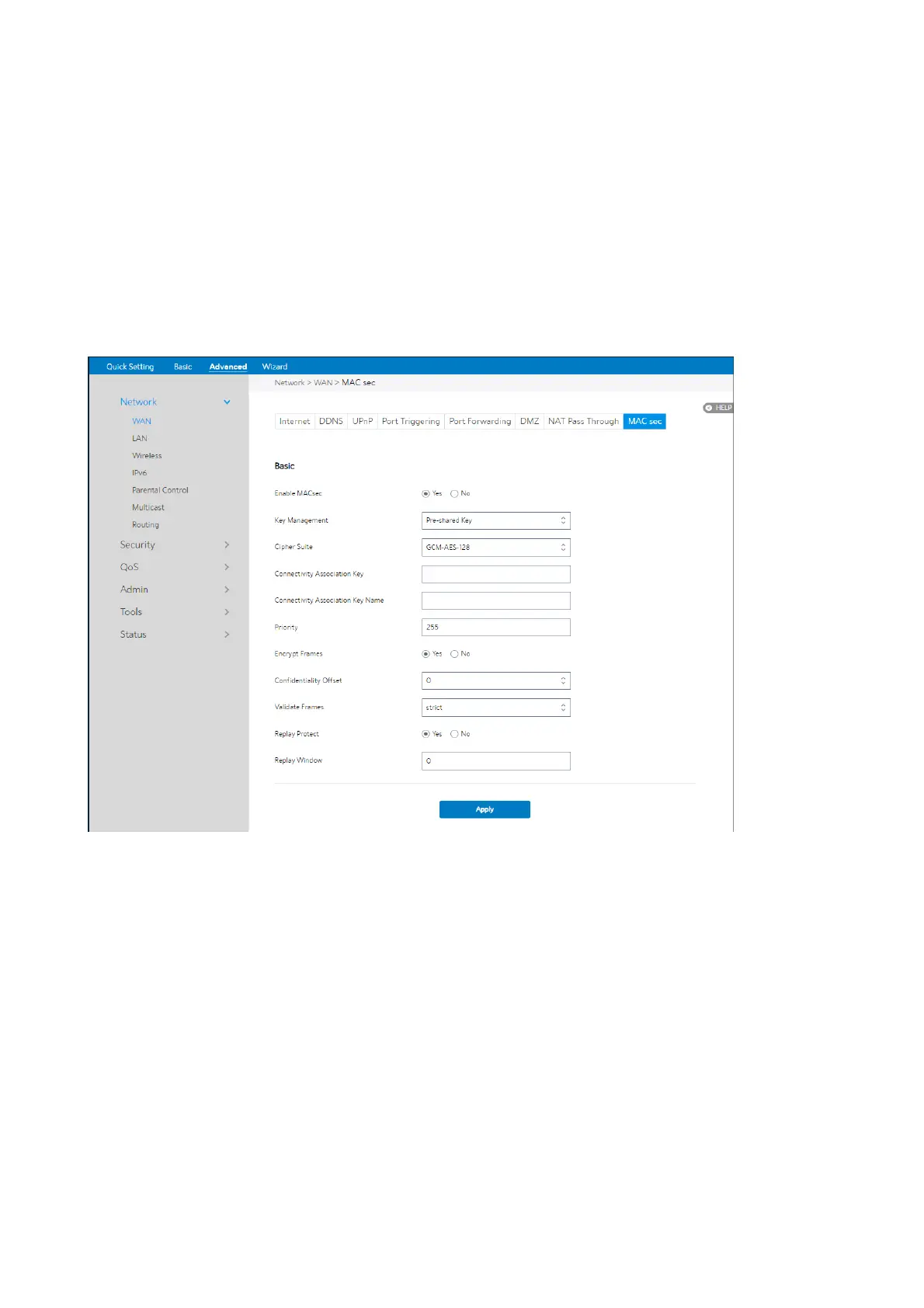
The basic configuration of MACsec:
Steps to set up MACsec:
1. From the navigation panel, go to Advanced > Network > WAN > MACsec
2. Enable MACsec: Yes means enable MACsec function, No means disable MACsec
function.
3. Key Management: Select the key management protocol of Macsec.
4. Cipher Suite: Select the cipher suite of Macsec.
5. Connectivity Association Key: Set the pre-shared Connectivity Association
Key
(CAK).


 To Next Page
 Loading...

