30
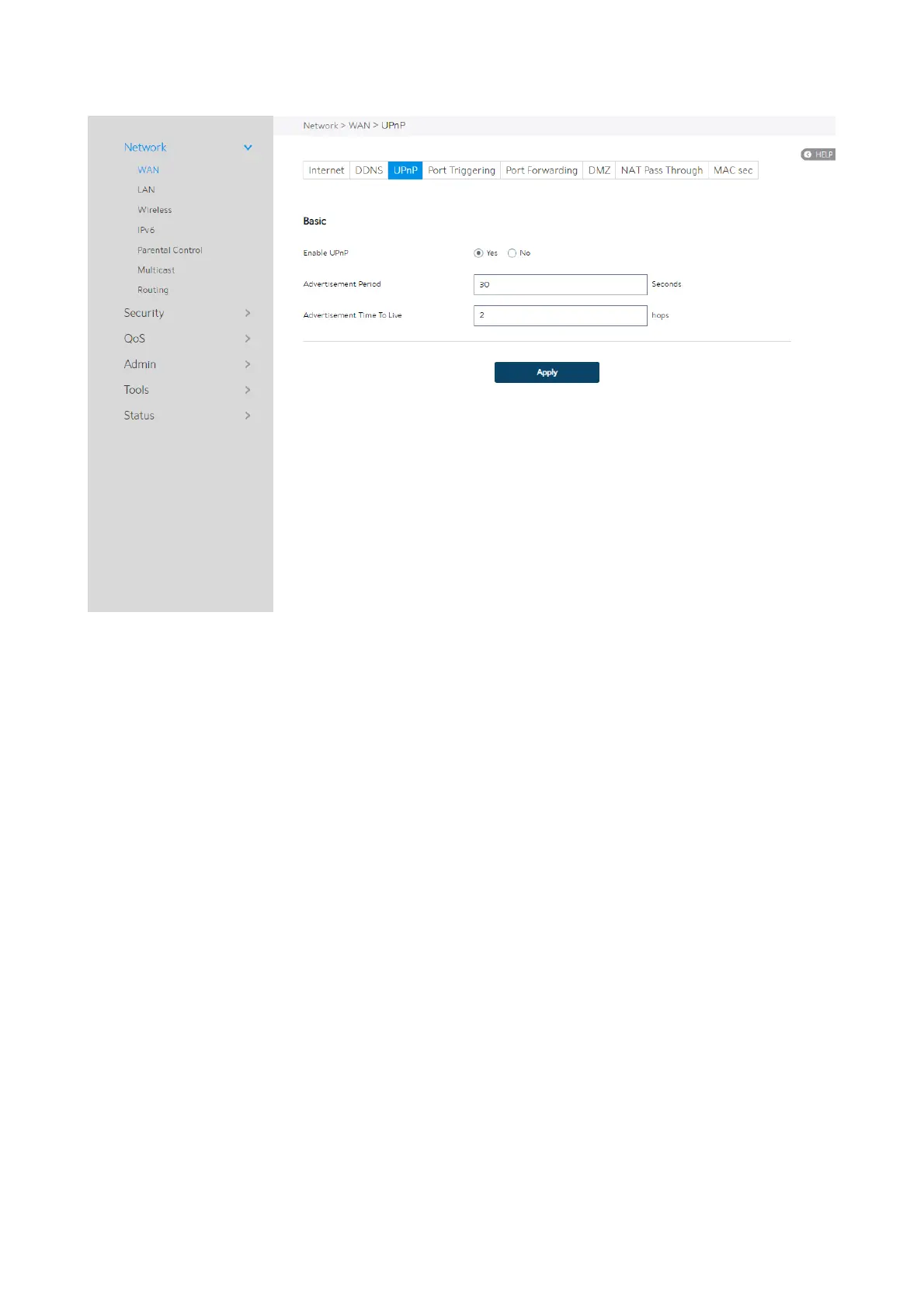
Steps to set up UPnP:
1. From the navigation panel, go to Advanced > Network > WAN > UPnP.
2. Enable UPnP: Yes means enable UPnP and No means disable it.
3. Advertisement Period: WiFi Router will broadcast its UPnP information to all
devices every advertisement-period second.
4. Advertisement Time To Live: Number of hops that an advertisement will be
transmitted.
5. Click Apply.
2.4.1.1.4 Port Triggering
Port triggering mechanism forwards the packets from the Incoming Port to the local


 To Next Page
 Loading...

