52
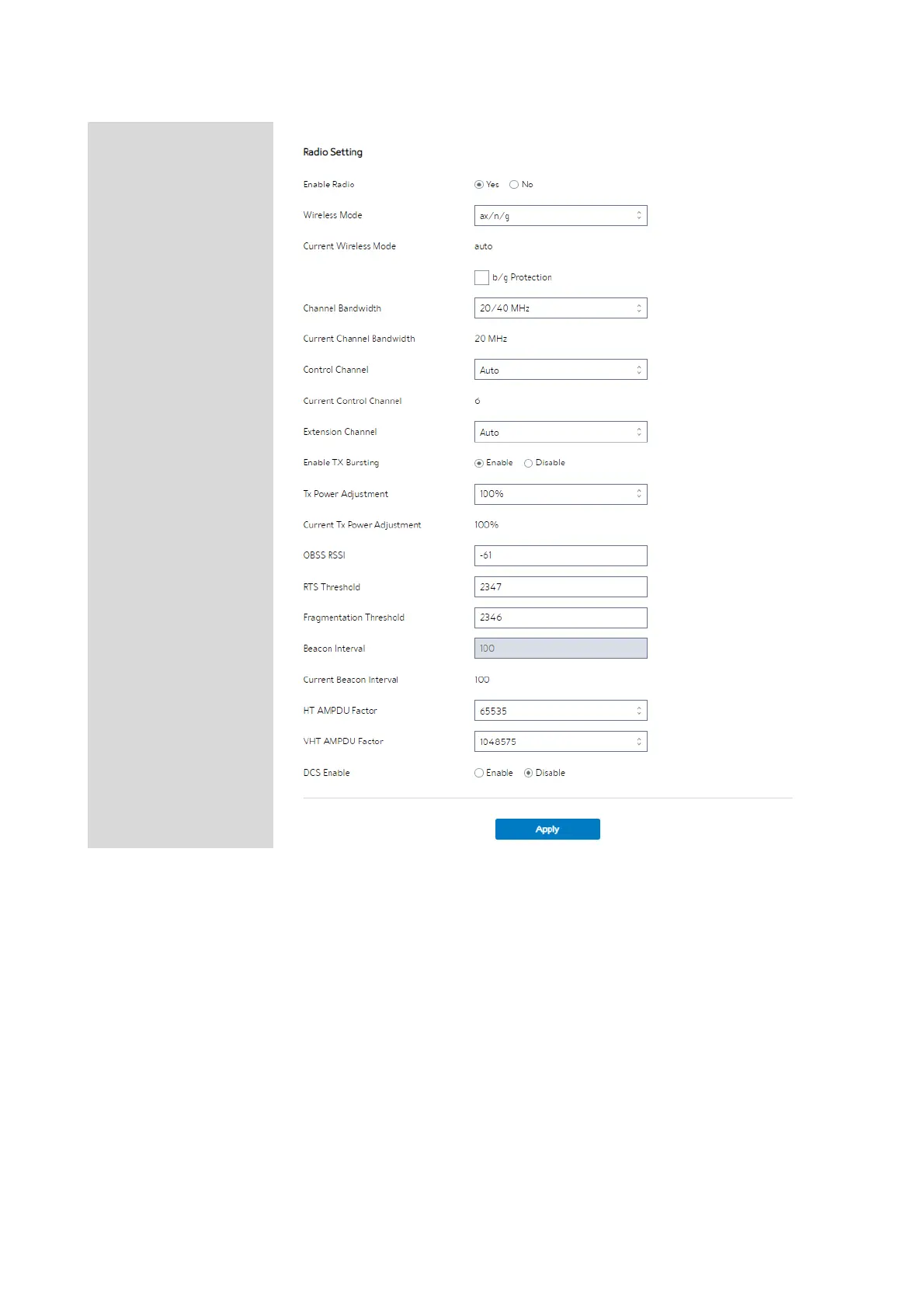
Steps to set Radio:
1. From the navigation panel, go to Advanced > Network > Wireless > Radio.
2. Frequency: Selecting the frequency band that the WiFi Router is running.
3. Enable Wireless Scheduler: Switch wireless schedule on or not.
4. Date to Enable (Weekdays): Select weekdays to enable Wi-Fi.
5.
Time of Day To Enable: Set weekday time to enable Wi-Fi.


 To Next Page
 Loading...

