34
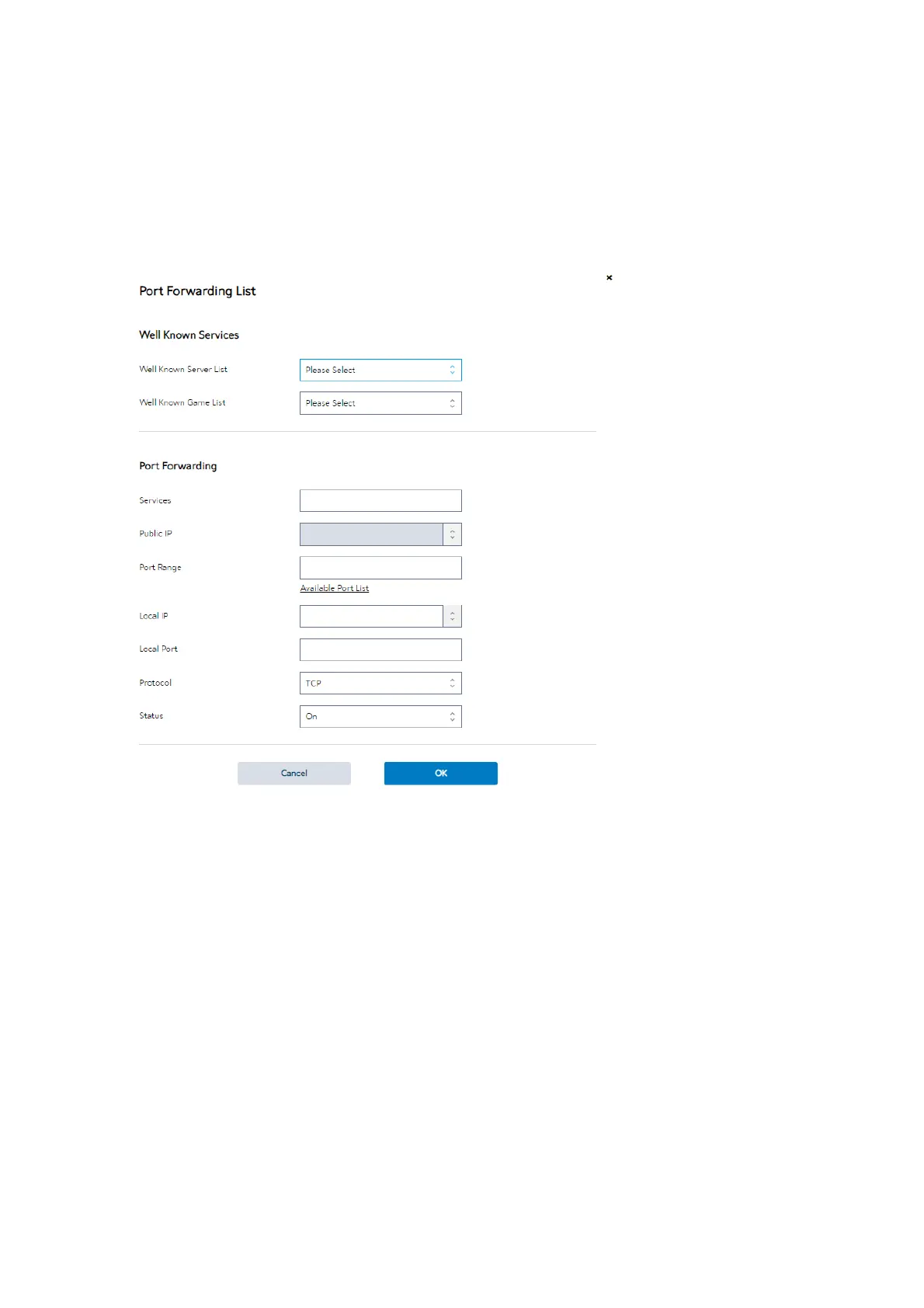
Steps to set up Port Forwarding:
1. From the navigation panel, go to Advanced> Network> WAN>Port Forwarding.
2. Click the Add button to add the port forwarding rules.
3. Well Known Server List: Select a pre-defined Server list from the drop-down
menu and the Port Forwarding List will be auto-filled.
4. Well Known Game List: Select a game from the Server list and the Port
Forwarding List will be auto-filled.
5. Services: A short description about this service.
6. Public IP: IP address of WAN Port.
7.
Port Range: Defines the range of port in WAN side.


 To Next Page
 Loading...

