5
Blue Solid Connected to the Internet.
Red Breathing with 5s interval Connectivity issues (no Internet
connection).
Red and Blue cycle Updating firmware (or any
breathing with 2.5s interval scenario where device must not be
restarted).
Red Solid Critical issues (hardware or
otherwise).
1.3.2 Rear Panel
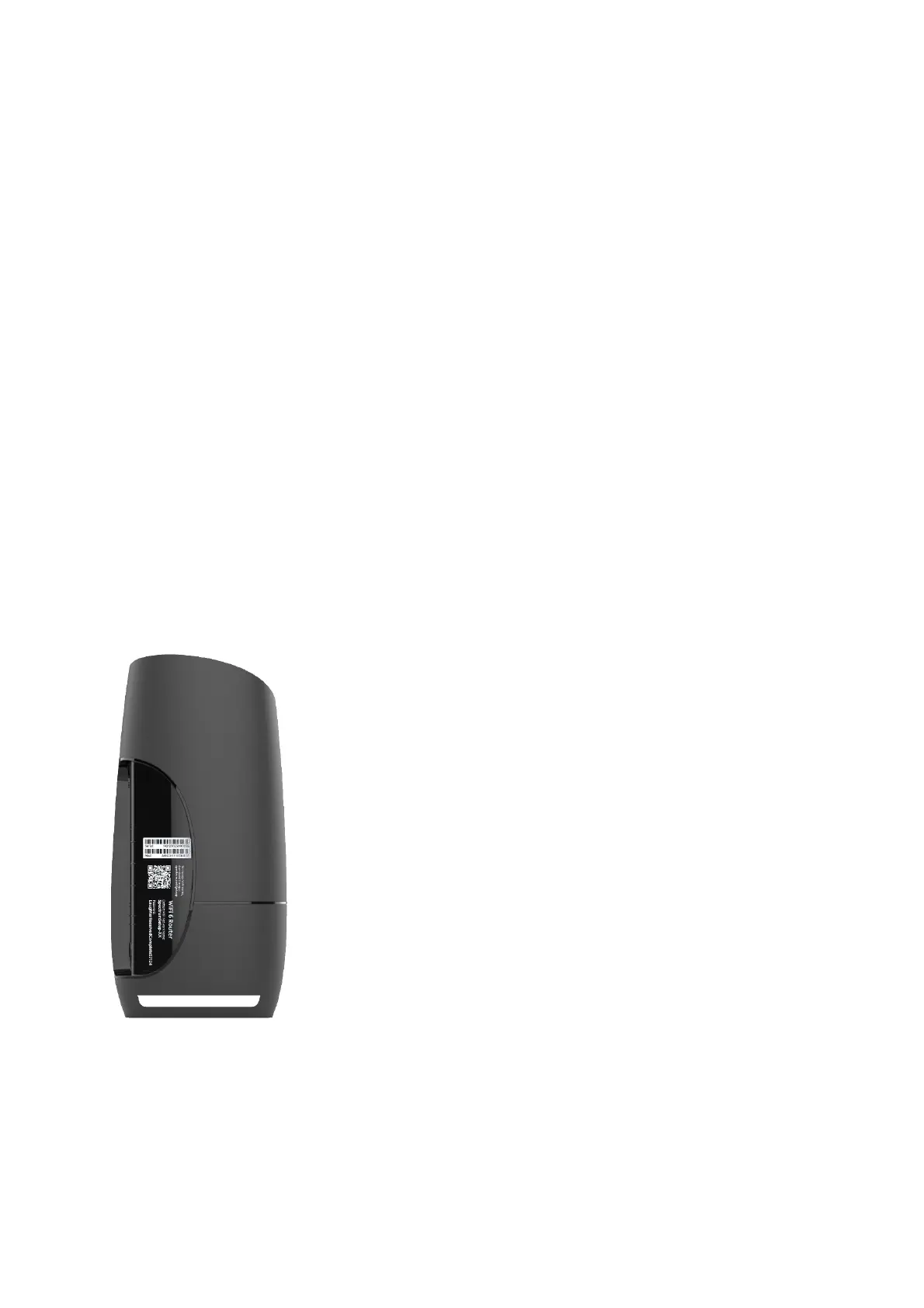
The Ethernet and buttons are shown in the following figure.
Figure 3. WiFi Router rear view
Factory Reset (Reset): Press and hold the Reset button for over 5 seconds, the



 To Next Page
 Loading...

