24
• Add/Delete: Click or to add/delete the profile.
7. Click Apply.
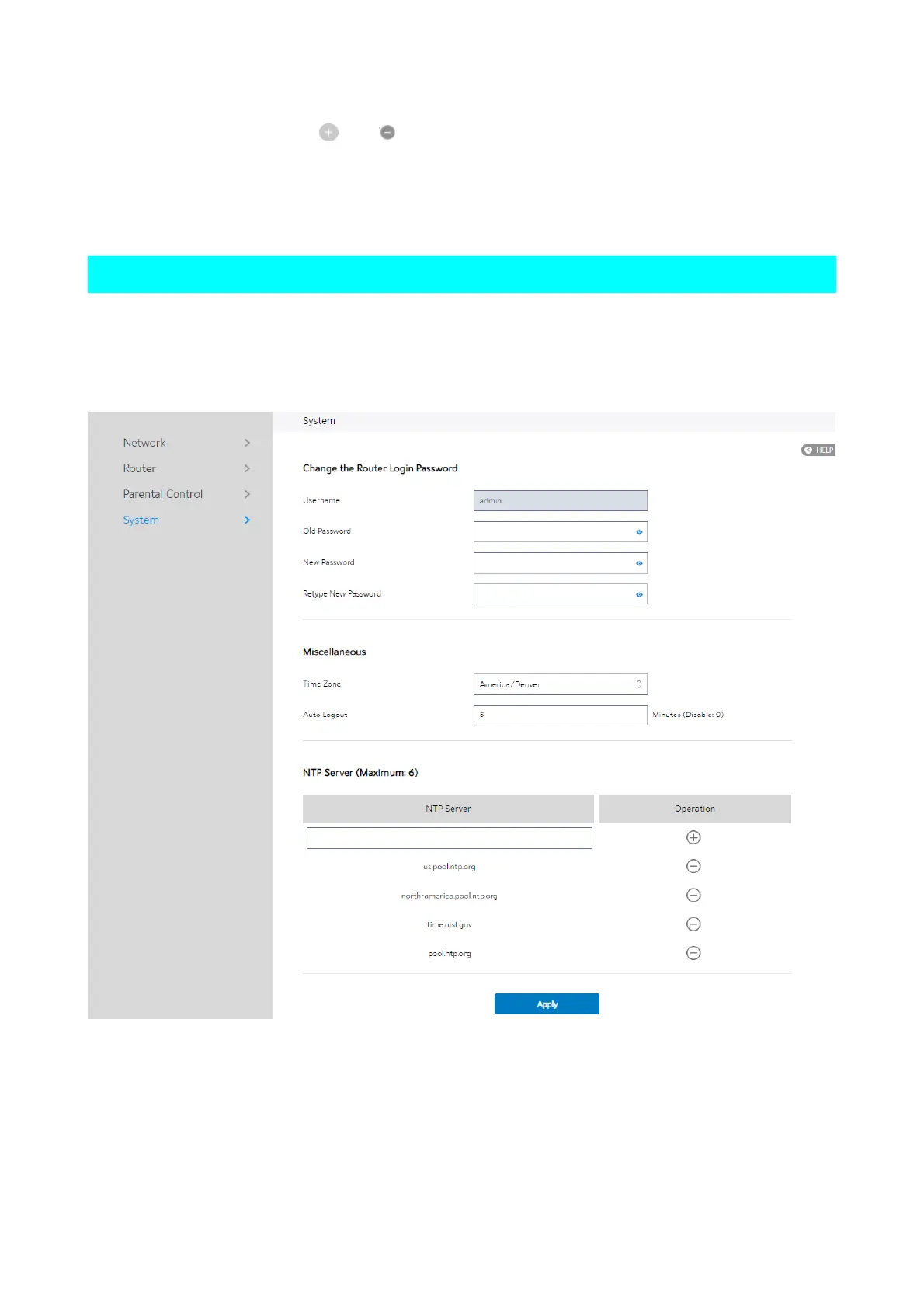
2.3.6 System
This module lets user do some settings, such as changing your sign in password,
selecting time-zone and adding NTP server. If you changed the password, the user
password to sign in SSH will be changed.
Steps to set the System settings:
1. From the navigation panel, go to Basic > System.
2.
Username: Name used to sign in WiFi Router.



 To Next Page
 Loading...

