EasyManua.ls Logo

Asko HIHD854GF - User Manual

Asko HIHD854GF
79 pages
Print Icon
To Next Page IconTo Next Page
Loading...
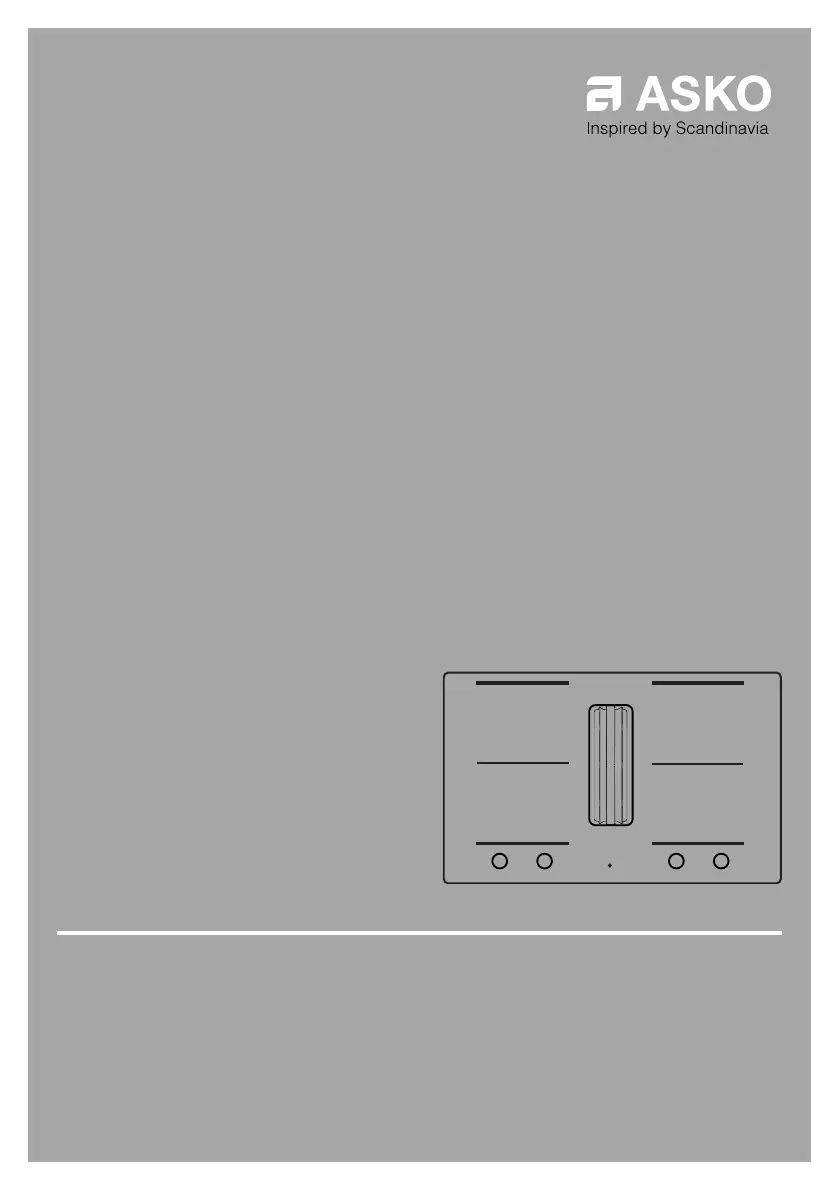
INSTRUCTIONS FOR USE
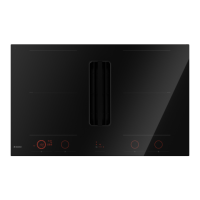
Induction hob with integrated extractor
EN
HIHD854GF
HIHD854MM

Questions and Answers

  • M
    Michelle PhelpsSep 6, 2025
    What does E67 mean on my Asko HIHD854GF display?
    • M
      Mario WheelerSep 6, 2025
      If 'E67' is blinking together with the Celsius°Cooking™key on your Asko Hob, it means the Celsius°Cooking™ cookware is missing. Ensure the handle cap is mounted correctly; if it is, replace the battery.
  • T
    Thomas HughesAug 21, 2025
    What to do if my Asko Hob shows Er03 on the display?
    • J
      Johnny KhanAug 22, 2025
      If 'Er03' appears on the display of your Asko Hob, it indicates that the control panel is dirty or has water on it. To resolve this, clean the control panel.
  • K
    katherinealvarezSep 3, 2025
    What to do if Celsius°Cooking™cooking method key is blinking on Asko HIHD854GF?
    • K
      Kathryn ColonSep 4, 2025
      If the set Celsius°Cooking™cooking method key is blinking together with the set temperature display while using the probe on your Asko Hob, it means the Celsius°Cooking™Probe is removed or not in touch with the content, or the temperature has fallen rapidly. Place the probe back or reposition it. Press the cooking method key if the probe isn't auto-detected.
  • J
    Jenny RobinsonSep 2, 2025
    What does E65 mean on my Asko HIHD854GF?
    • D
      David MooreSep 2, 2025
      If the E65 Celsius°Cooking™key is blinking together with E65 on your Asko Hob, it indicates that non-Celsius°Cooking™ cookware is not supported. Use Celsius°Cooking™ cookware.
  • A
    adrianmcdanielSep 1, 2025
    Why is the Celsius°Cooking™key blinking on my Asko Hob?
    • A
      Andrew SmithSep 1, 2025
      If the Celsius°Cooking™key is blinking along with the set cooking method key and display on your Asko Hob, it means the Celsius°Cooking™cookware is assigned to the wrong cooking zone. Remove the cookware and assign it again.
  • V
    Veronica KhanAug 30, 2025
    How to fix unstable connection between cookware and Asko HIHD854GF?
    • R
      Richard ShepardAug 30, 2025
      If you experience an unstable connection between your cookware and the Asko Hob, it could be due to a low battery in the cookware or an unstable Bluetooth connection. Try switching off the cooktop for 10 seconds and/or change the battery.
  • M
    Ms. Nicole AndersenAug 29, 2025
    What should I do if my Asko HIHD854GF Hob shows U400?
    • B
      Brenda AndrewsAug 29, 2025
      If 'U400' appears on the display of your Asko Hob with a continuous sound, it indicates that the voltage of the mains is too high. Connect the appliance in accordance to rating plate and instructions.
  • K
    Kyle HarrisAug 27, 2025
    Why does my Asko HIHD854GF Hob cooking zone suddenly stop working?
    • M
      Miranda SawyerAug 27, 2025
      If a cooking zone on your Asko Hob suddenly stops working and you hear a signal, it's likely that the preset time has ended. Turn off the signal by pressing the - or + key on the timer.
  • S
    Seth MunozAug 26, 2025
    What to do if my Asko Hob zone stops unintended?
    • D
      Dawn HerreraAug 27, 2025
      If a zone on your Asko Hob stops unexpectedly and the residual heat indicator is displayed, it means the zone is overheated. Allow the hob to cool down before continuing to cook.
  • I
    igonzalezAug 25, 2025
    Why is my Asko HIHD854GF Hob cooking zone flashing?
    • T
      Tamara DelgadoAug 26, 2025
      The display on your Asko Hob cooking zone may flash because the pan you are using is not suitable for induction cooking or has a diameter of less than 12 cm. Use a suitable pan.

Asko HIHD854GF Specifications

General IconGeneral
TypeInduction Hob
Width80 cm
Number of Zones4
Total Power7.4 kW
Control TypeTouch Control
FeaturesTimer, PowerBoost
Dimensions (W x D)800 x 520 mm
Cut-out Dimensions (W x D)750 x 490 mm

Related product manuals