47
SERVICE
3
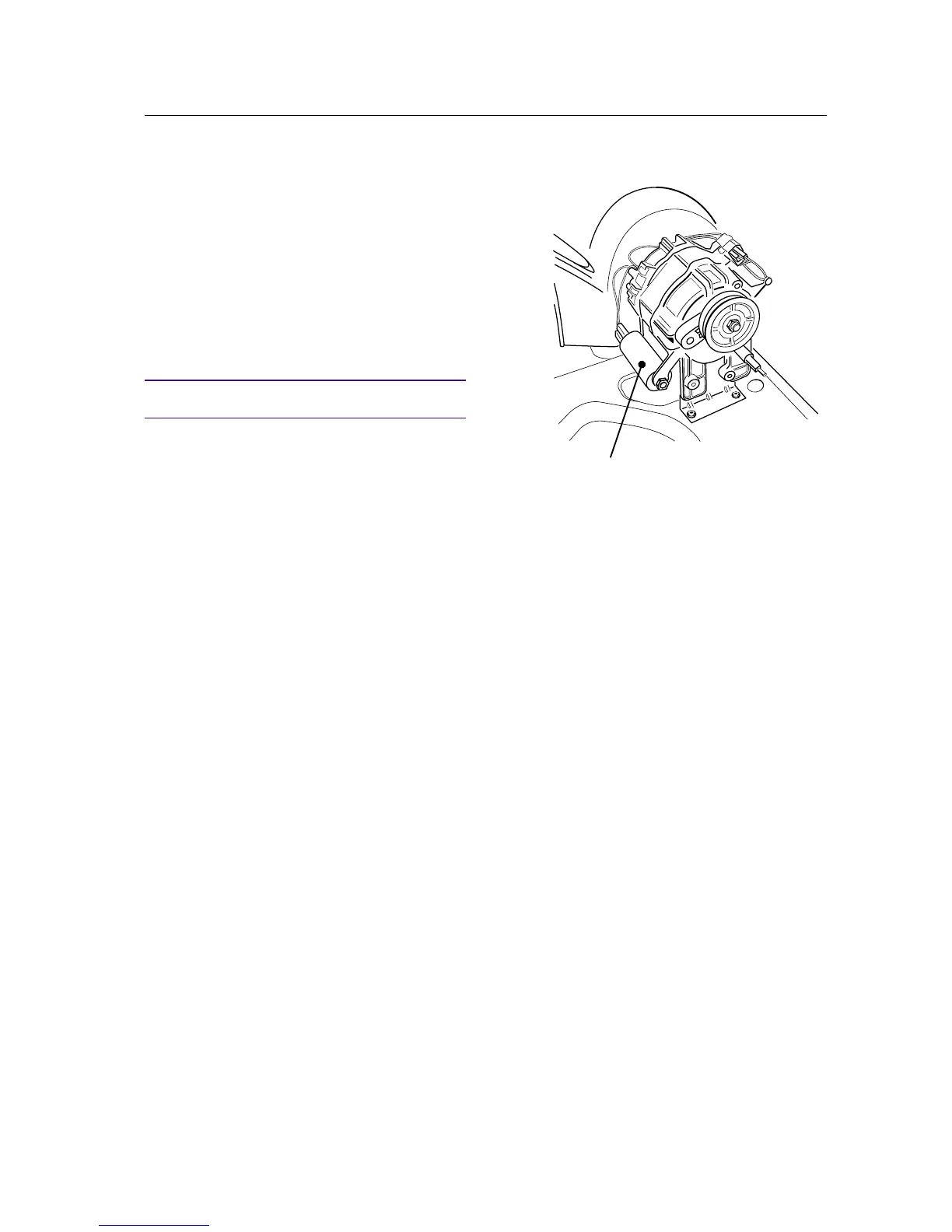
Changing the capacitor
1. Remove the rear panel in accordance with the
section "Rear panel - removing...".
2. TDC44: Remove the external fan housing in
accordance with the section "External fan hou-
sing - removing..." steps 2-4.
3. Unscrew the capacitor.
4. Install a new capacitor and connect the wi-
ring.
IMPORTANT
Ensure the wiring connections are correct.
5. TDC44: Install the external fan housing in
accordance with the section "External fan hou-
sing - installation..." steps 5-7.
6. Install the rear panel in accordance with the
section "Rear panel - installation...".



 To Next Page