NETWORK-SWITCH-LP01 – Configuration Guide
U-0641-3675.docx – Issue: 01 complete, approved
Page 20 of 28
3.2 Save / Load Configuration
3.2.1 Save Configuration to Device
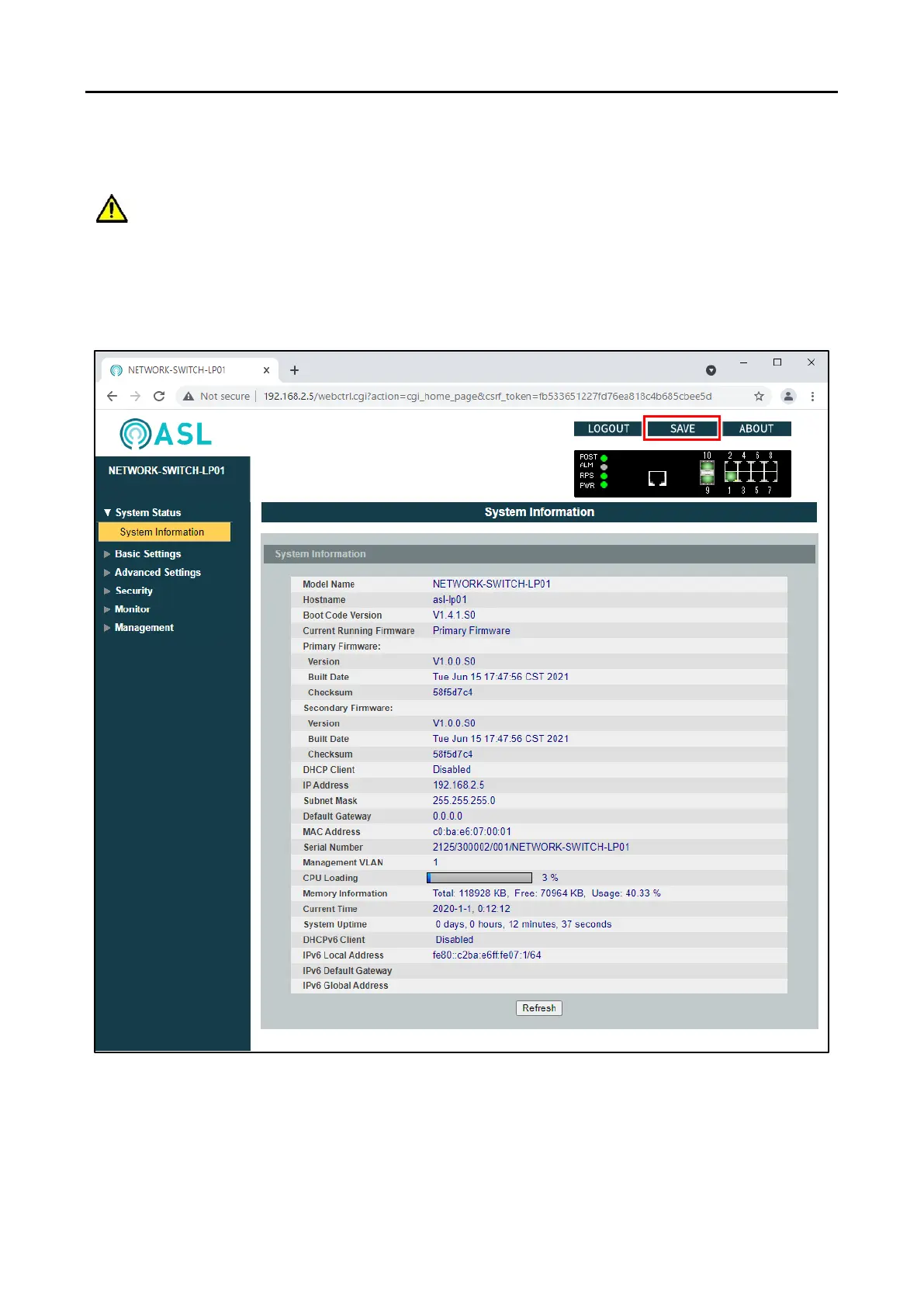
To save the configuration to the network switch, click the “Save” icon or text in the top right corner.
The configuration changes on the network switch will be lost if not saved before power down.



 To Next Page