Plus4YouTS
User Manual
55 of 216
Cup warmer
Working environment
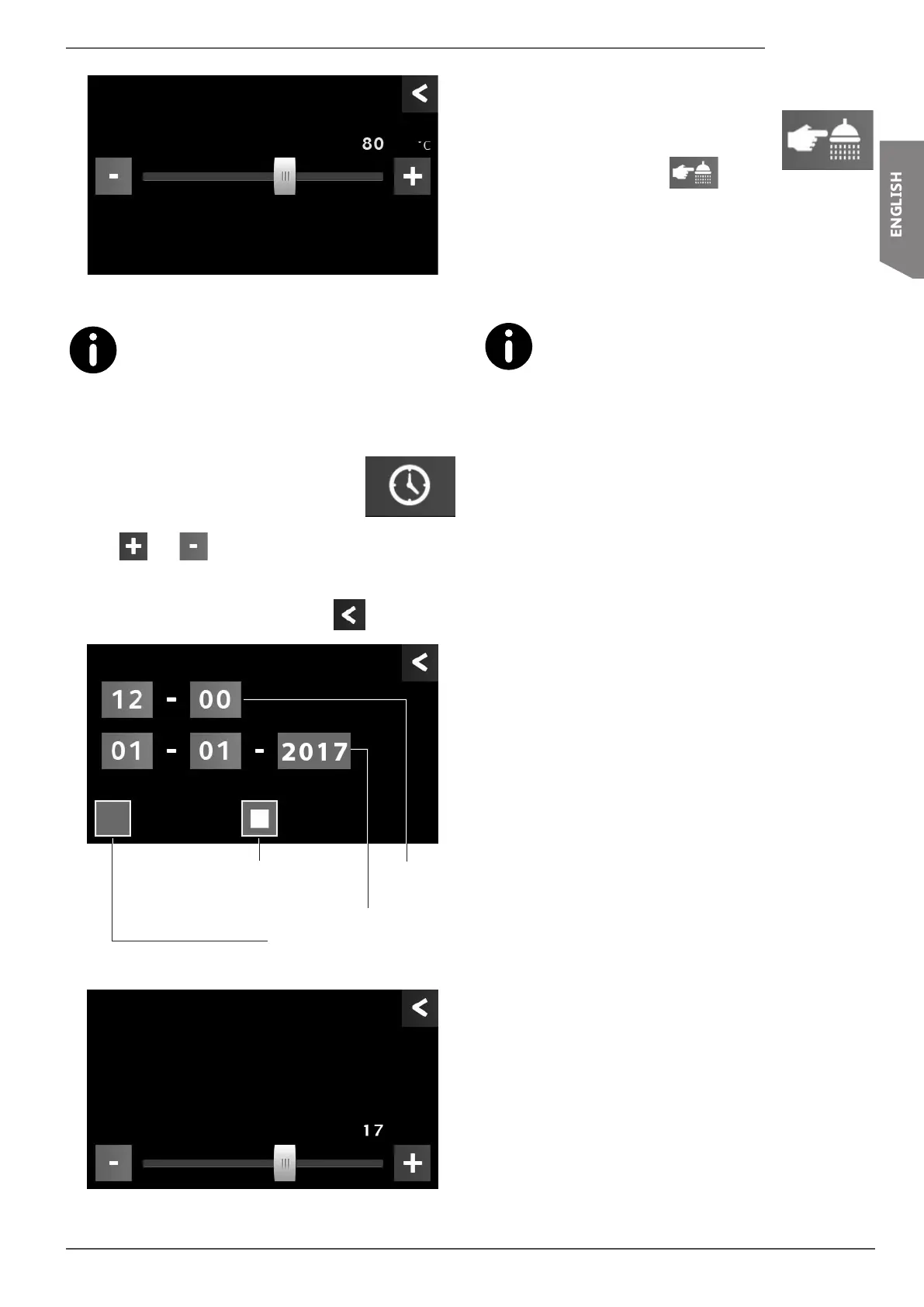
To turn off the cup warmer, move the cursor fully to the left (a
value of "--” will be shown).
To activate or deactivate the cup warmer, see para.
6.10 on page 51.
6.12.5 Time and date
To set the time and date, press the indicated
button.
Use the and buttons to set the desired values.
Press the corresponding button to programme the daylight
saving time or standard time.
To return to the previous menu, press the
button.
Date
Daylight saving time
Manual Auto
Time
(HH-MM)
Date
(DD-MM-YYYY)
Manual daylight saving
time setting
Automatic daylight sav-
ing time setting
Example of a monthly setting
Date
Month
6.12.6 Dispensing group wash
Wash the dispensing groups on a daily basis.
To start the wash, press the
button.
Follow the procedure indicated in paragraph "7.7.3 Dispens-
ing group wash" on page 61.
With this procedure, all of the groups are washed
at the same time; each keypad controls the refer-
ence group.










 To Next Page