59
Using a Bluetooth-enabled headset
Mono headset setup
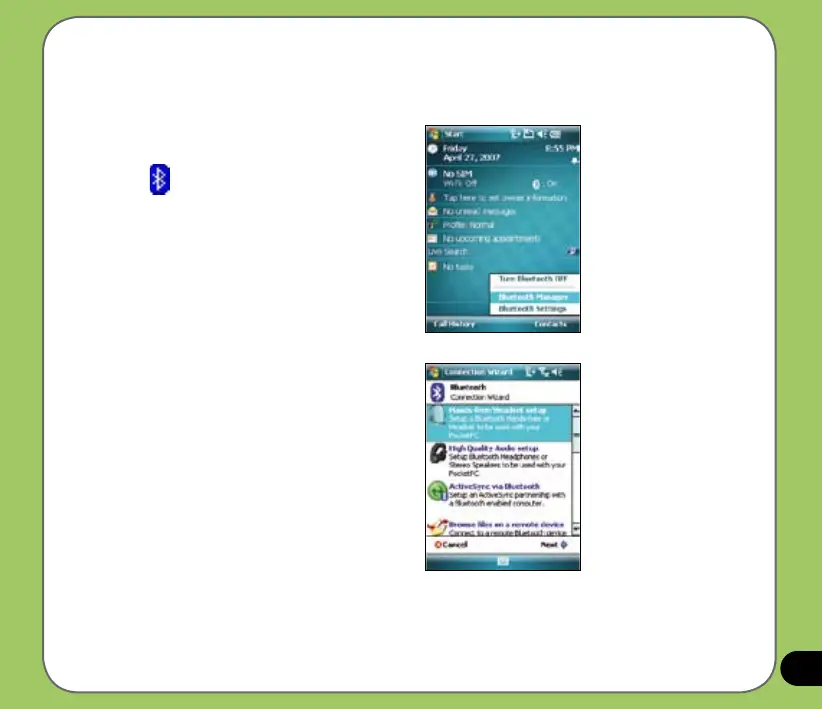
1. Make sure that Bluetooth is enabled
on your device.
2. Tap
on the Today screen then on
the shortcut menu tap Bluetooth
Manager.
3. From the Bluetooth Manager, tap
New.
4. From the Bluetooth Connection Wizard,
tap Hands-free/Headset setup then tap
Next.



 To Next Page