60
NOTES:
If the connection between the device and a Bluetooth headset fails, tap the device icon then reconnect, you do not
have to pair the devices again
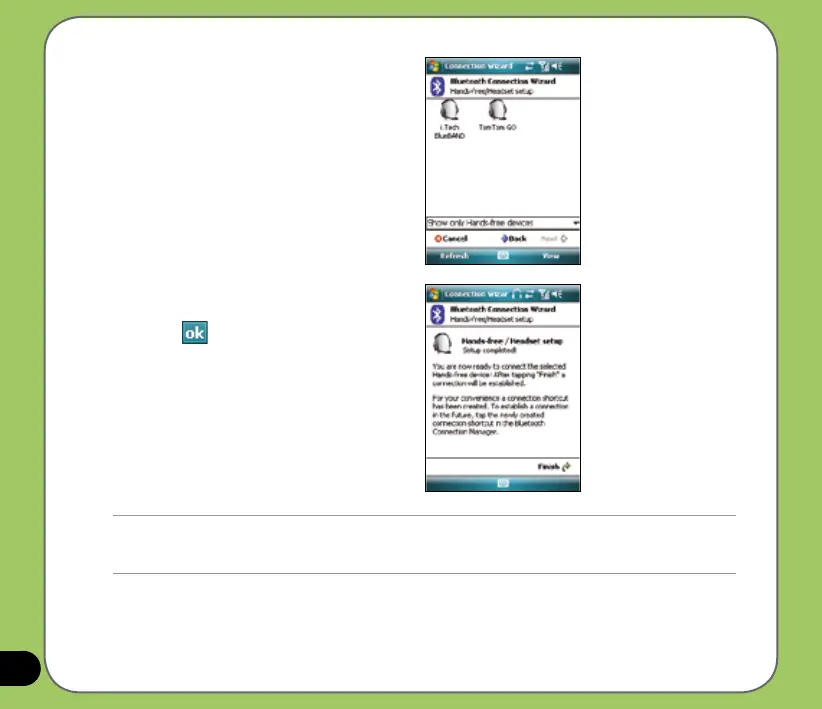
7. In Passkey, input the alphanumeric
passkey of your headset device
then tap . You can nd this in the
documentation that came with your
headset device.
8. Tap
Finish. You are now ready to use
your headset device.
5. Make sure that your headset device is
in pairing mode and ready to receive
incoming connection requests then tap
Next.
6. Tap the name of your Bluetooth-
enabled headset device then tap Next.



 To Next Page